
How to Prioritize Work Tasks and Take Back Your Day
Ever have one of those days? You're buried in work from morning till night, but when you finally log off, you feel like you got nothing important done. If that sounds familiar, you're definitely not alone. Figuring out how to prioritize work is a real challenge when you’re constantly bombarded with digital noise and ever-changing goals. It’s tough to focus on what matters when everything feels like a top priority.
Why Does Prioritizing Your Work Feel So Impossible?
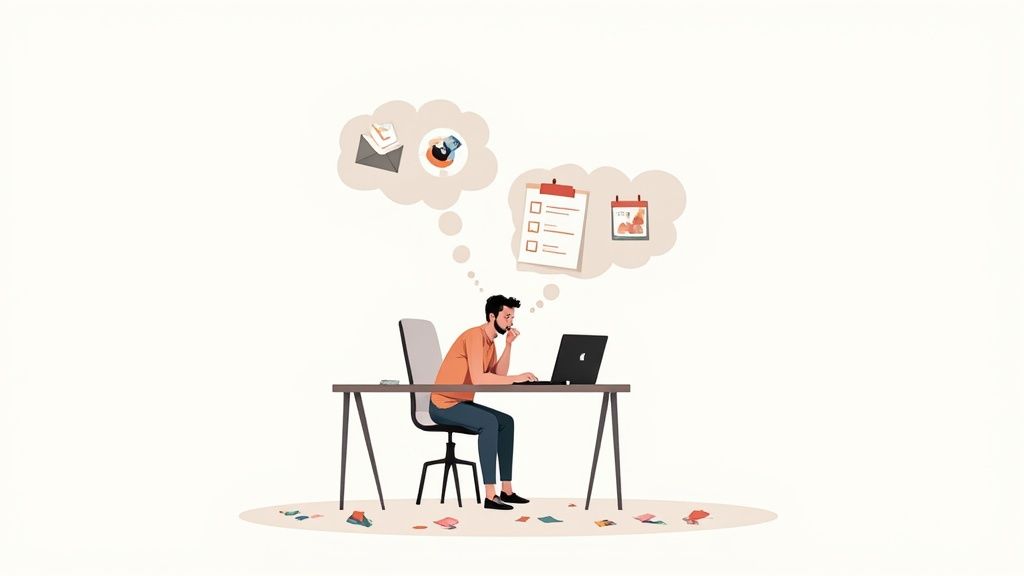
That feeling of being busy but not productive is a classic symptom of modern work. It often comes from a workplace culture that confuses activity with actual progress. The constant pings, last-minute "emergencies," and vague objectives create a reactive environment where it's nearly impossible to tell what’s truly important.
This chaos is made worse by a much bigger problem: a massive lack of employee engagement. A recent Gallup report found that global employee engagement has cratered to just 21%. Think about that—it means nearly four out of five people are just going through the motions. When you're not invested in your work, trying to prioritize effectively feels like a losing battle. You can learn more about how workplace engagement impacts productivity in Gallup's full report.
The Real Reasons for Prioritization Paralysis
When you look closer, a few core issues are usually to blame for that overwhelmed feeling. Pinpointing them is the first step to building a system that actually works for you.
- The Urgency Trap: We’re all wired to respond to the loudest alarm. This means urgent but low-value tasks—like clearing out a cluttered inbox—often steal our focus from the important projects that drive long-term success.
- Vague Goals: Without clear, measurable objectives, every task feels like it has the same weight. It’s like trying to drive somewhere new without a map; you’re moving, but you have no clue if you’re getting any closer to your destination.
- Decision Fatigue: Your brain can only make so many good decisions in a day. After a morning spent juggling dozens of small choices, just figuring out what to do next in the afternoon can feel exhausting. This often leads to procrastination or just defaulting to the easiest thing on your list.
The real problem isn't a lack of time—it's a lack of clarity. Getting better at prioritizing is less about managing a to-do list and more about creating a system that protects your focus for the work that truly moves the needle.
Getting a handle on these obstacles is key. Before you can jump into a new framework or tool, you have to recognize the external pressures and internal habits that are tripping you up. This self-awareness is what paves the way for a workflow that solves the root problems, not just the symptoms.
Create Your Master Task List
First things first: you need to see everything on your plate before you can start prioritizing. Your brain is an idea machine, not a filing cabinet. Relying on it to remember every single to-do item is a surefire way to feel overwhelmed and let important stuff fall through the cracks.
So, the very first step is what I like to call a "brain dump."
This means getting every task, big or small, out of your head and onto a single, trusted list. Don't worry about organizing anything just yet—the goal is simply to capture it all. This includes everything from "Email Sarah about the Q3 report" and "Buy more printer ink" to huge project goals like "Finalize the marketing campaign budget."
Find a System You'll Actually Use
The specific tool you choose is far less important than your commitment to it. Whether it's a worn-out notebook, a clean notes app, or a full-blown project management tool, just pick one place and stick with it.
- Digital Tools: Apps like Notion or dedicated task managers are fantastic because you can easily edit, sort, and tag your to-dos. It's simple to keep separate lists for work, personal life, and those big-picture goals.
- Analog Methods: For many people, the physical act of writing in a journal or on a whiteboard is what makes a commitment feel real. It’s also a great way to cut down on screen time.
The magic of a master list isn't just about not forgetting things. It's about freeing up your mental bandwidth. When your brain trusts that everything is safely recorded somewhere else, it can finally stop juggling and start focusing on the actual work.
Once it's all written down, you have a complete inventory of your commitments. This single list is the foundation you’ll build your entire productivity system on. For a deeper dive into the ideas behind this, check out our guide on what is task management.
An external list quiets that low-grade anxiety that comes from a cluttered mind, clearing the way for you to make smart, deliberate decisions about what truly matters next.
Alright, you've got your master list of tasks. Now for the hard part: deciding what to do first.
It’s so easy to fall into the trap of knocking out the quick, simple items just to feel productive. We've all been there. But a far better way to work is to figure out what's genuinely important versus what's just making a lot of noise. For this, my go-to tool is the Eisenhower Matrix.
This isn't really about managing your time—it's about managing your focus. The whole idea is to stop reacting to endless "emergencies" and start being intentional. You just have to ask two simple questions for every task on your list: Is this urgent? And is this important?
The method you use to capture your tasks—whether it's a notebook or a digital app—doesn't matter as much as the act of getting it all down in one place so you can start sorting.
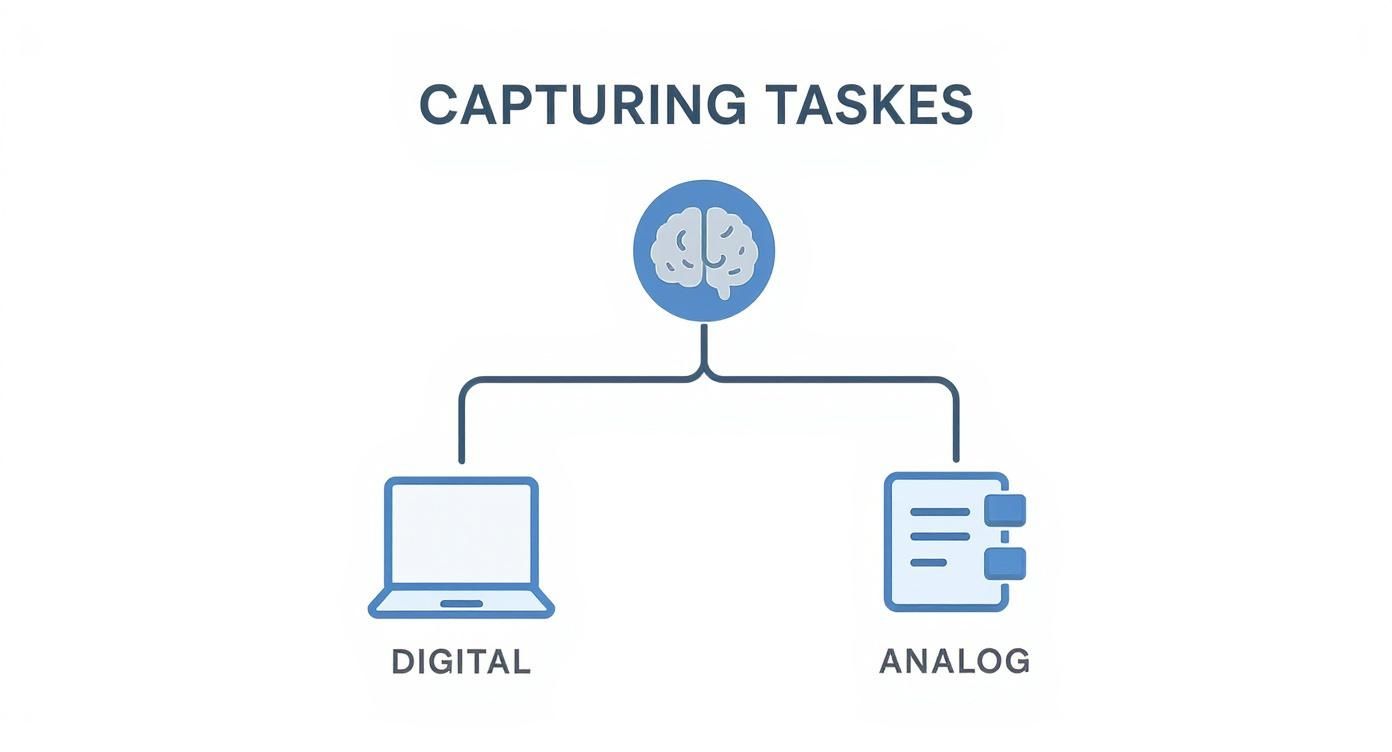
Once you start sorting, you’ll see a clear path forward.
The Four Quadrants Explained
The beauty of the matrix is that each quadrant tells you exactly what to do next. It brings immediate order to the chaos of a long to-do list.
Here’s how I think about each one:
-
Quadrant 1: Do First (Urgent and Important) These are the fires you absolutely have to put out. They’re the "do-or-die" tasks with pressing deadlines and serious consequences. Think of a server crash that needs immediate attention or a final presentation for a major client that's due this afternoon. These are your non-negotiables.
-
Quadrant 2: Schedule (Not Urgent but Important) This is where the magic happens. Quadrant 2 is for the work that truly moves the needle on your long-term goals—planning a new marketing campaign, taking a course to sharpen your skills, or networking. Because they aren't screaming for your attention, these tasks are dangerously easy to postpone.
The real secret to getting ahead isn't just managing crises; it's living in Quadrant 2. By scheduling this work, you prevent it from ever becoming an urgent Quadrant 1 problem.
-
Quadrant 3: Delegate (Urgent but Not Important) Watch out for these. They’re often interruptions that feel urgent but don't actually align with your core responsibilities. Think of routine emails you could create a template for, or meetings you were invited to "just in case." Your goal here is to find someone else to handle them or find a way to automate the response.
-
Quadrant 4: Delete (Not Urgent and Not Important) This quadrant is for the genuine time-wasters. We're talking about mindlessly scrolling through social media, sitting in on status updates that could have been an email, or any habit that just eats up time without adding value. Be ruthless and cut them out.
To see this in action, here's how you might categorize some common work tasks.
Applying the Eisenhower Matrix to Your Workday
| Quadrant | Description | Example Tasks |
|---|---|---|
| Do First | Crises and true deadlines. | - Fixing a critical website bug- Finishing a client report due today- Responding to an urgent customer complaint |
| Schedule | Important work that drives long-term goals. | - Planning next quarter's project strategy- Developing a new professional skill- Proactive relationship-building with key clients |
| Delegate | Interruptions that don't require your specific skills. | - Booking routine travel arrangements- Answering common customer inquiries- Attending a low-priority, informational meeting |
| Delete | Distractions and unproductive habits. | - Scrolling through social media feeds- Sorting through junk email- Over-organizing digital files |
Once you get in the habit of sorting your tasks this way, you'll find yourself making much smarter decisions about where your energy goes. It helps you understand how to prioritize work tasks based on actual impact, turning a messy list into a clear, actionable game plan.
Turn Your Priorities into a Concrete Plan
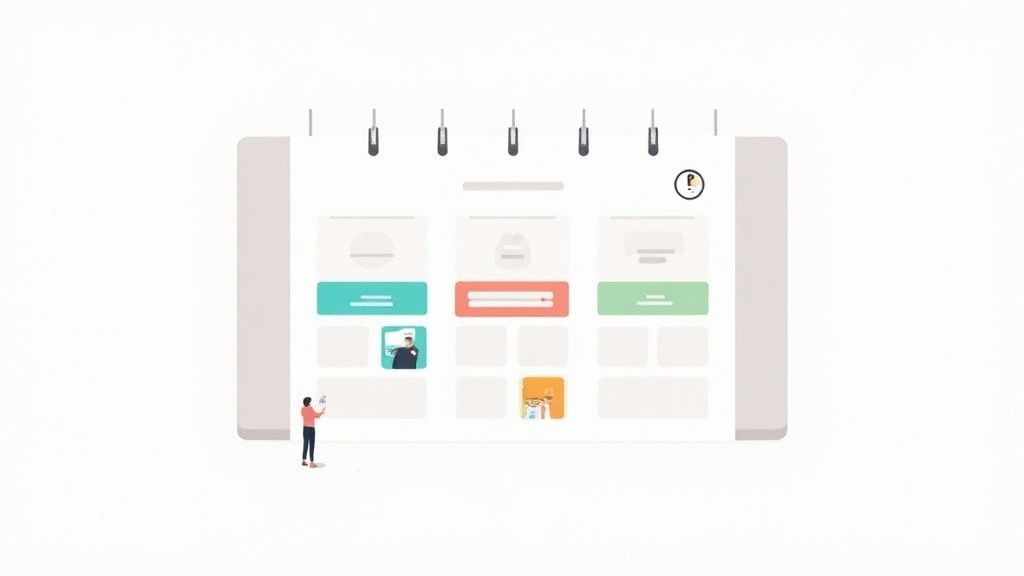
A perfectly prioritized list is a fantastic starting point, but let's be honest—it's still just a wish list until you give it a home on your calendar. This is where the magic of time blocking comes in. It’s the bridge between knowing what matters and actually getting it done.
The idea is simple: instead of a to-do list you just stare at, you schedule your high-priority tasks directly into your calendar. So, "Work on Q3 report" becomes a concrete appointment: 9:00 AM to 11:00 AM on Tuesday. You treat it like a meeting with your most important client—yourself. This simple shift protects your focus from the constant barrage of interruptions.
A Practical Look at Time Blocking
Think of your big, important projects (your "Quadrant 2" tasks) as big rocks. If you fill your day with sand and pebbles first—emails, random requests, minor admin work—you'll never have room for the rocks. Time blocking is about putting the big rocks on your schedule first, making sure they get the space they deserve.
Here’s what that might look like in reality:
- 8:30 - 9:00 AM: Quick daily huddle with myself. Review priorities, plan the day.
- 9:00 - 11:00 AM: Deep work block for that high-priority project. No distractions.
- 11:00 - 11:30 AM: Clear out urgent emails. Stick to the time limit.
- 1:00 - 2:30 PM: Collaborative session on the team initiative.
This isn't just about getting more done; it's about building healthier boundaries. When you set clear start and end times, you’re actively preventing work from creeping into your personal time—a huge factor in avoiding burnout. It's a global issue, too. Italy, for example, has one of the best work-life balances in the OECD, with only 3% of employees working very long hours, whereas in Mexico, that number jumps to 27%. You can dig into more stats on how work culture affects well-being in this work-life balance report.
The goal isn’t to control every minute but to be intentional with your most valuable hours. Time blocking is a commitment you make to your future self, guaranteeing that your best energy goes toward your biggest goals.
And what about those smaller, urgent tasks that don't need deep focus, like data entry or scheduling? Find ways to make them faster. Learning how to automate repetitive tasks can free up a surprising amount of time, giving you even more room for high-impact work.
Build a Tech Stack That Keeps You Focused
https://www.youtube.com/embed/JYZWtTTX4ys
When you're working remotely, self-discipline is everything. Your digital tools can be your best friend or your worst enemy in this fight. The whole point is to build a system that backs up the good habits you're trying to form, not one that constantly pulls you in a million different directions.
A simple, but incredibly powerful, place to start is with a digital Kanban board. It’s a visual way to see your entire workflow in one spot—moving tasks from your to-do list, to in-progress, and finally over to the done column. That kind of clarity makes it obvious what you're working on and what’s up next, so important stuff doesn't just vanish into your inbox.
Get a Visual Handle on Your Workflow
This is where tools like Widgetly’s project management widgets really shine. You can drop them right into your main workspace to get that instant visual clarity.
Having a dashboard like this gives you a central command center for tracking your big projects, keeping the most important tasks right where you can see them.
It's also worth noting how much AI is helping with this. A recent study found that 75% of knowledge workers feel AI tools help them save time and stay focused—a huge win for anyone trying to prioritize better. With over 68% of companies in the Asia-Pacific region now having a majority of their team working remotely, the right tech is more critical than ever for keeping everyone on track. You can dig into more of these remote work trends over at hellopebl.com.
Your tech stack should serve your priorities, not define them. The best tools are the ones that get out of your way and handle the small stuff, freeing you up to pour your energy into the work that actually matters.
Ultimately, you want to create a digital environment that helps you concentrate. This could be as simple as using a dedicated timer—like our own Pomodoro widget—to structure your deep work sessions and make sure you stick to the schedule you’ve set. By being deliberate about the tech you use, you can build a system that genuinely supports your focus and helps you master the art of prioritizing your work, no matter where you're logging in from.
Answering Your Top Questions About Task Prioritization
I get it. Learning a new system for prioritizing your work is one thing, but actually putting it into practice is where the real challenges pop up. It’s a skill you build with experience, not something you master overnight.
Let's walk through some of the most common questions and sticking points I hear from people. My goal is to help you get past those hurdles so these frameworks actually start working for you.
What if Everything Feels Urgent and Important?
This is probably the most common feeling in the world, and it's a classic sign you're overwhelmed. When every task is screaming for your attention, the trick is to stop looking at the tasks themselves and start looking at your long-term goals.
Ask yourself this one simple question: "Which of these tasks will I be most glad I did a month from now?"
This tiny shift in perspective immediately helps you see the difference between what feels urgent to other people and what is genuinely important for your progress.
If you’re still stuck, force yourself to use the Eisenhower Matrix. Don’t try to categorize your entire to-do list perfectly. Just find one, maybe two, tasks that truly belong in that "Do" box. That small win is often enough to break the paralysis and prove you can get back in the driver's seat.
How Often Should I Re-Prioritize My Task List?
Think of prioritization as a living process, not a one-time setup. The people who are best at this don't just set it and forget it; they make it a daily habit.
Here’s a rhythm that works for a lot of people:
- A Daily 15-Minute Huddle: First thing in the morning, before you dive into emails, take 15 minutes to look at your master list. Pick your top 1-3 priorities for that day. This single act sets the tone and gives you a clear focus.
- A Weekly 30-60 Minute Review: Block out time at the end of the week—maybe Friday afternoon—to zoom out. Are the things you did this week actually moving you closer to your big goals? This is your chance to correct your course before you drift too far.
The point isn't to be rigid; it's to be intentional. A good system provides enough structure to keep you focused but enough flexibility to handle the curveballs life throws your way.
How Do I Handle Unexpected Tasks That Wreck My Plan?
Interruptions are a fact of life. You can't stop them, but you can absolutely plan for them. This is where time blocking becomes your secret weapon.
When you map out your day, never schedule every single minute. I always recommend building in at least one 30-60 minute "flex time" block. Think of it as a shock absorber for your schedule.
When an unexpected "emergency" pops up, you have a designated slot to deal with it without blowing up your entire day.
Before you jump on it, run that new task through a quick mental Eisenhower Matrix. Is it truly urgent and important? If yes, that's what your flex block is for. If not, you can confidently tell the person you'll schedule it for later, delegate it, or even say no. This is how you stay in control of your day, instead of letting your day control you.