
12 Best Notion Widgets Free To Use in 2025
Notion is a powerful tool on its own, but its true potential is unlocked when you customize your dashboard with widgets. These small, embedded apps can add everything from real-time weather forecasts and countdown timers to dynamic charts and habit trackers, turning a simple page into a fully functional and personalized command center. The problem is finding high-quality, reliable, and genuinely notion widgets free of charge can be a time-consuming task, often leading you through a maze of outdated sites and freemium models.
This guide cuts through the noise. We have curated and tested the best platforms offering free Notion widgets to enhance your productivity and dashboard aesthetics. Whether you're a project manager needing a shared calendar, a student tracking deadlines, or a freelancer organizing your entire business, the right widget can make a significant difference in your workflow.
Below, you'll find a detailed list of the top sources for free widgets. Each entry includes:
- A clear description of what the platform offers.
- Direct links to access their widgets.
- Screenshots to show you exactly what to expect.
- Practical use cases to inspire your own workspace design.
Our goal is simple: to provide a straightforward resource that helps you find and install the perfect free widgets for your Notion setup quickly and easily. Let's get started.
1. widgetly
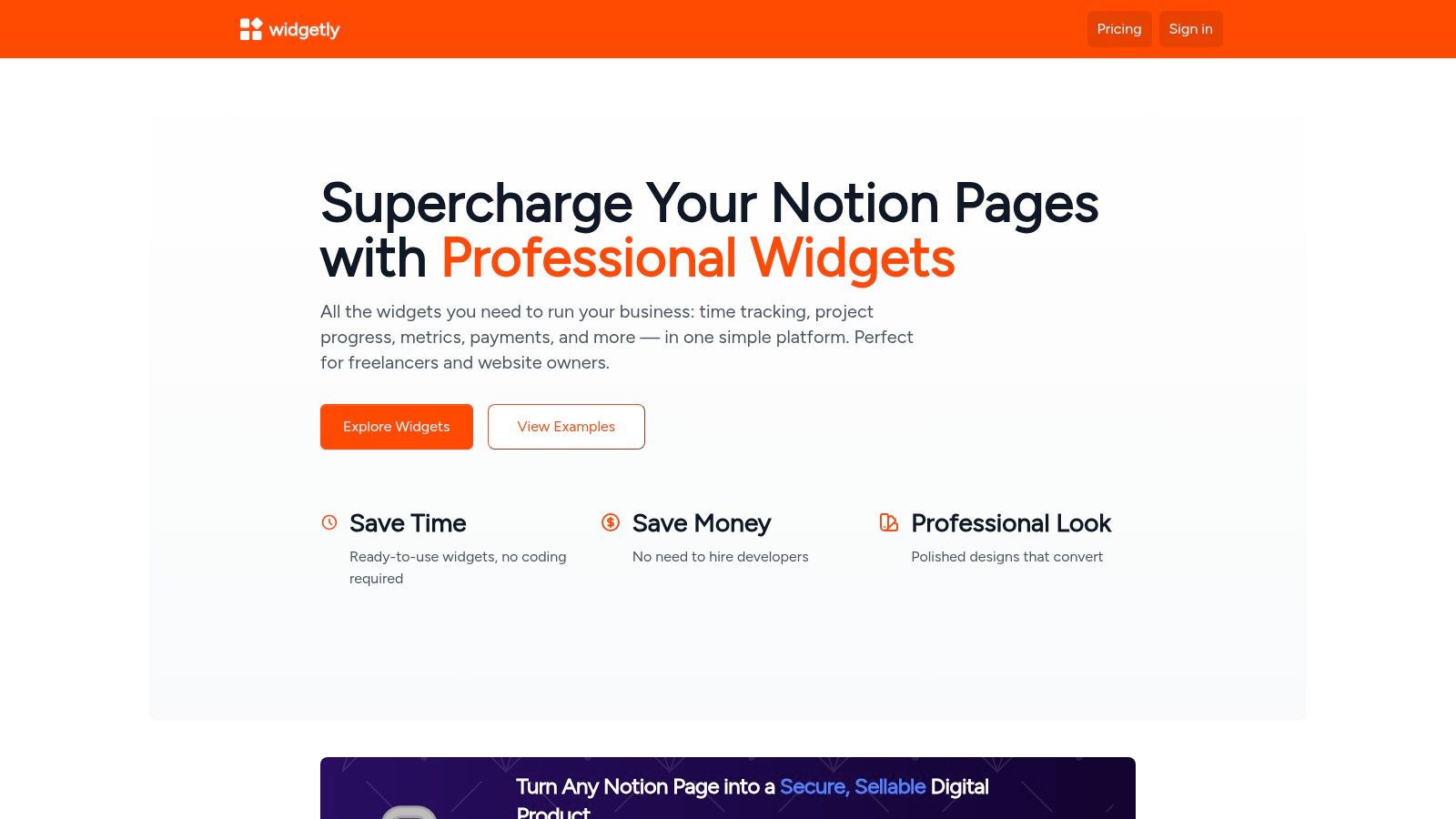
Widgetly stands out as a powerful, business-oriented platform for anyone looking to add professional utility and polish to their Notion pages. It bridges the gap between simple aesthetic widgets and functional, no-code tools, making it an excellent all-in-one solution for freelancers, small businesses, and productivity enthusiasts. The platform provides a broad catalog of ready-to-embed widgets that go beyond decoration, focusing instead on tangible value and performance tracking.
Why It's a Top Choice
What makes Widgetly a featured choice is its unique focus on commerce and data. Unlike many competitors, it offers features like PayPal purchase buttons and payment-gated access, allowing you to sell digital products directly from a Notion page. Its ability to create live-updating charts and KPIs directly from a Notion database is a game-changer for anyone managing projects or businesses within Notion, as it eliminates the need for separate analytics tools. This focus on providing notion widgets free of charge for core functions, while offering advanced commerce tools for power users, makes it exceptionally versatile.
Key Features and Use Cases
- Business & Commerce Tools: Embed PayPal buttons to sell templates or services. Use email and payment gates to create secure, members-only content or deliver paid products.
- Live Data Visualization: Connect a Notion database to generate real-time charts and KPI trackers that automatically update. This is perfect for building client dashboards, monitoring sales goals, or tracking project progress.
- Productivity Widgets: The library includes practical tools like Pomodoro timers, time trackers, and progress bars to enhance your personal and team workflows directly within your workspace.
- Analytics: A built-in page view counter helps you monitor engagement on public Notion pages, providing valuable insights without external software.
While Widgetly offers a selection of free starter widgets (like calculators and timers), its most powerful commerce and data features may require a paid plan. Some advanced tools like an AI Bot and Calendar are listed as "coming soon," indicating an actively developing platform.
Best For: Freelancers selling digital products, small businesses building client dashboards, and anyone wanting to add live data and e-commerce functions to their Notion setup.
Website: widgetly.co
2. WidgetBox
WidgetBox is a popular hub for aesthetically pleasing and highly customizable Notion widgets. It’s designed specifically for Notion users, emphasizing a quick, hassle-free workflow: just customize your widget, copy the embed link, and paste it directly into your page. The platform offers a massive gallery of over 30 widget types, including animated clocks, motivational quotes, Pomodoro timers, and interactive counters.
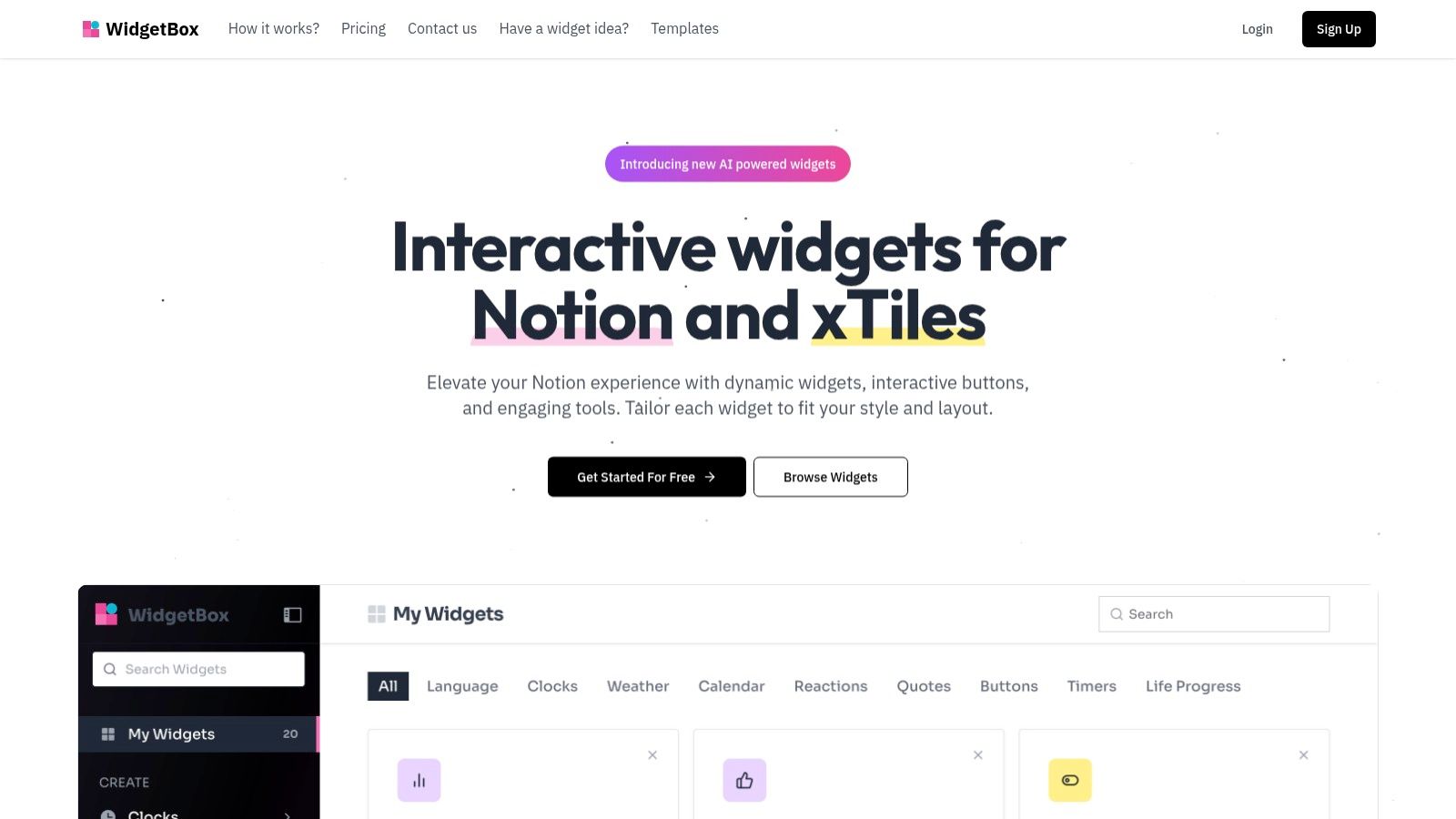
What makes WidgetBox stand out is its balance between a generous free plan and affordable upgrades. The free tier allows you to create up to five widgets, which is perfect for personal dashboards. For those needing more, paid plans start at a very low price point (around $1.49/month), unlocking advanced widgets like weather forecasts and AI integrations. This makes it one of the best sources for notion widgets free of charge, with an easy path to more advanced features.
Key Features and User Experience
The customization interface is clean and intuitive. You can easily tweak colors, fonts, and sizes to perfectly match your Notion's aesthetic. The "copy and paste" setup means you don't need any technical knowledge to get started.
- Pros: Extensive free widget selection, specifically designed for Notion, inexpensive upgrades.
- Cons: Some of the most desirable widgets (weather, AI) are behind a paywall, and some users have noted minor layout inconsistencies on mobile devices.
- Best For: Users who prioritize aesthetics and want a large variety of polished, easy-to-embed widgets without a complicated setup.
Website: https://www.widgetbox.app
3. Indify
Indify is one of the original and most trusted platforms for Notion widgets, known for its clean, minimal aesthetic and generous free offerings. It provides a suite of essential widgets, including weather forecasts, Google Calendar integrations, life progress bars, and motivational quotes. The platform is perfect for users who want reliable, functional widgets that blend seamlessly into any professional or personal dashboard without complex configurations.
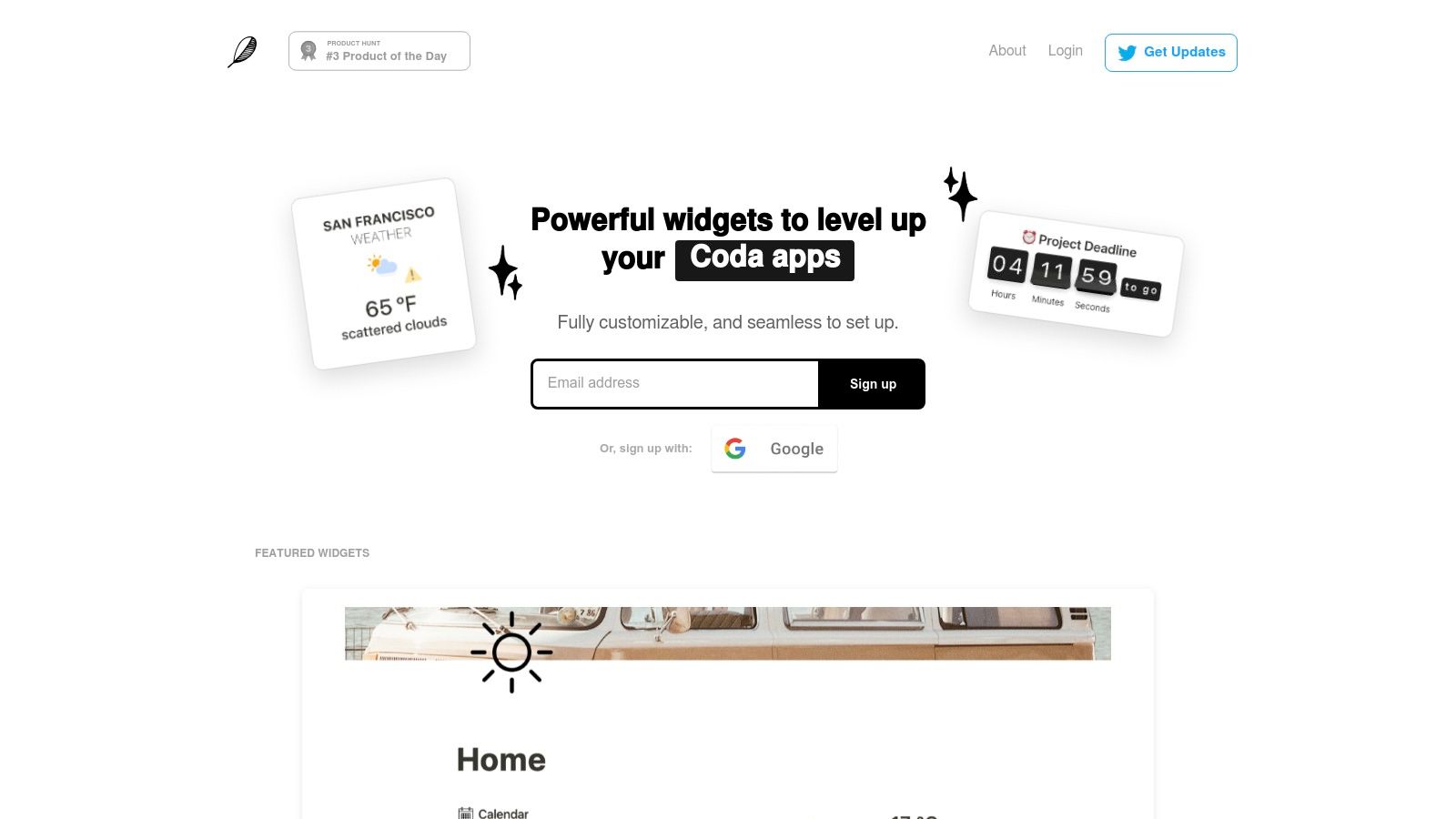
What makes Indify a staple in the community is its commitment to providing core functionality for free. Its Google Calendar widget is particularly popular, allowing you to embed and view your schedule directly in Notion. While some advanced customizations are reserved for Pro plans, the free versions are powerful enough for most users. This makes it an excellent source for notion widgets free of charge, especially for those prioritizing productivity over heavy visual customization. For those specifically looking to integrate their schedule, you can learn more about how to set up a Notion calendar.
Key Features and User Experience
Indify’s user interface is straightforward, guiding you through a simple customization process before generating an embed link. The widgets are designed to be lightweight and load quickly within your Notion pages, ensuring a smooth user experience.
- Pros: Most essential widgets are free, trusted and widely used, clean and minimal designs that fit any theme.
- Cons: Advanced customization options require a Pro subscription, and some users have reported occasional sign-up or editing issues.
- Best For: Users who need reliable, functional widgets like Google Calendar and weather with a simple, polished look.
Website: https://indify.co
4. Apption
Apption functions as both a massive directory and a powerful toolkit for Notion-friendly embeddable apps and widgets. It solves a common problem for advanced users by offering a DIY "HTML → Notion embed URL" converter, which transforms almost any external HTML widget into a usable link. Beyond this tool, it provides a curated library of compatible widgets, complete with usage stats and one-click copy links.
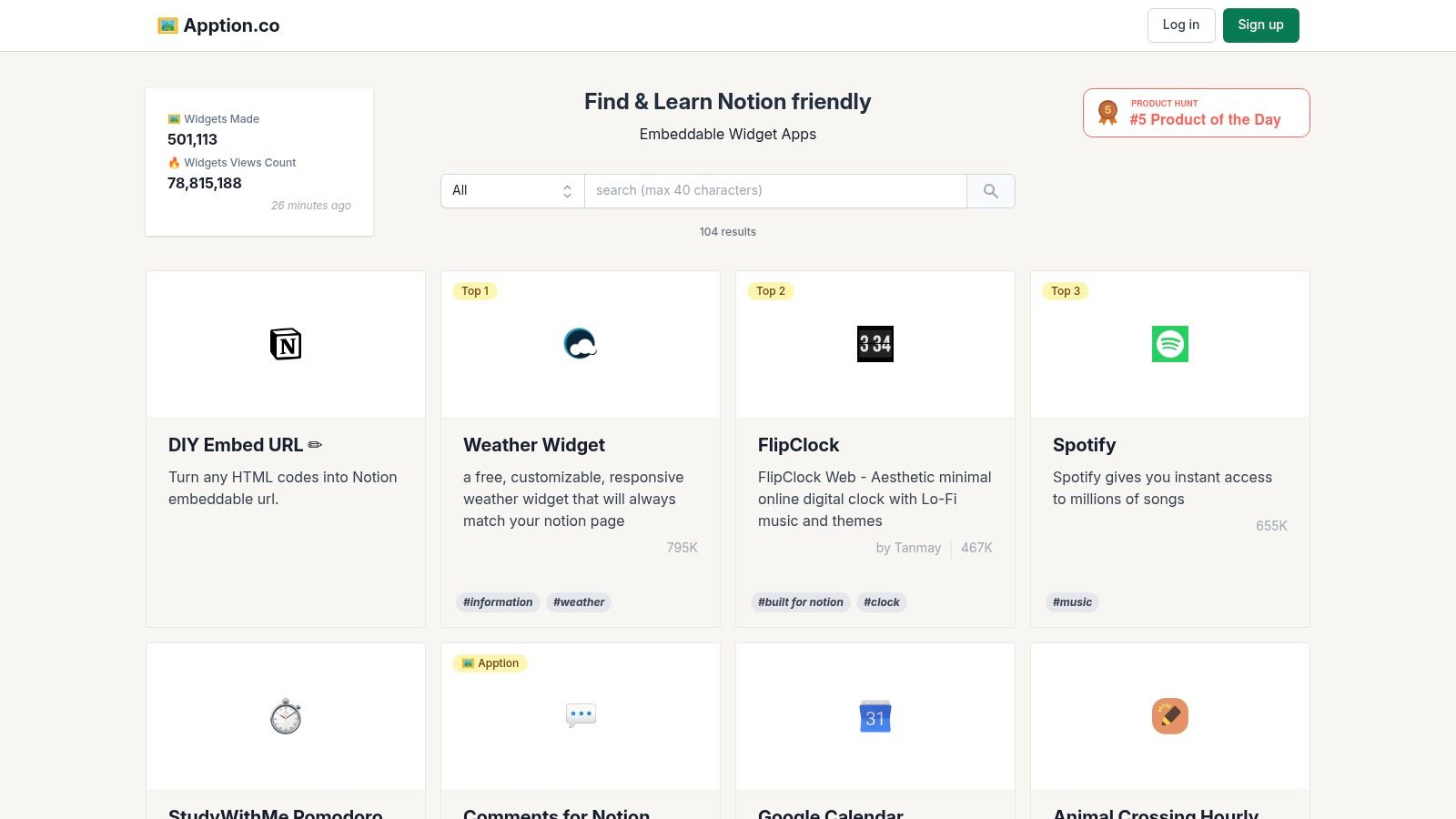
What makes Apption stand out is its focus on versatility and community curation. Instead of hosting its own widgets, it aggregates and makes third-party tools compatible with Notion. The platform is completely free to browse and use, making it an essential resource for finding a wide variety of notion widgets free from different creators. Its unique converter tool empowers users to integrate widgets that aren't natively designed for Notion, opening up endless possibilities.
Key Features and User Experience
The interface is straightforward: browse the directory or use the converter. The converter tool is particularly useful for those who find a specific widget elsewhere on the web and want to add it to their workspace. The curated listings provide social proof by showing how many others are using a particular embed.
- Pros: Unique HTML-to-Notion embed converter, huge curated library of external widgets, completely free to use.
- Cons: Quality and uptime of third-party widgets can be inconsistent, and some external apps may have their own paywalls or limitations.
- Best For: Users who need to embed a specific, non-Notion-native HTML widget or want a broad, community-vetted directory of options.
Website: https://apption.co
5. Notion‑Box
Notion‑Box serves as a massive aggregator and discovery platform for Notion widgets, boasting a catalog of over 200 options. Rather than creating its own widgets, it collects and organizes them from various sources, making it a one-stop-shop for browsing a wide array of styles and functionalities. The platform covers everything from productivity tools like calendars and life progress bars to entertainment widgets like Spotify players and games.
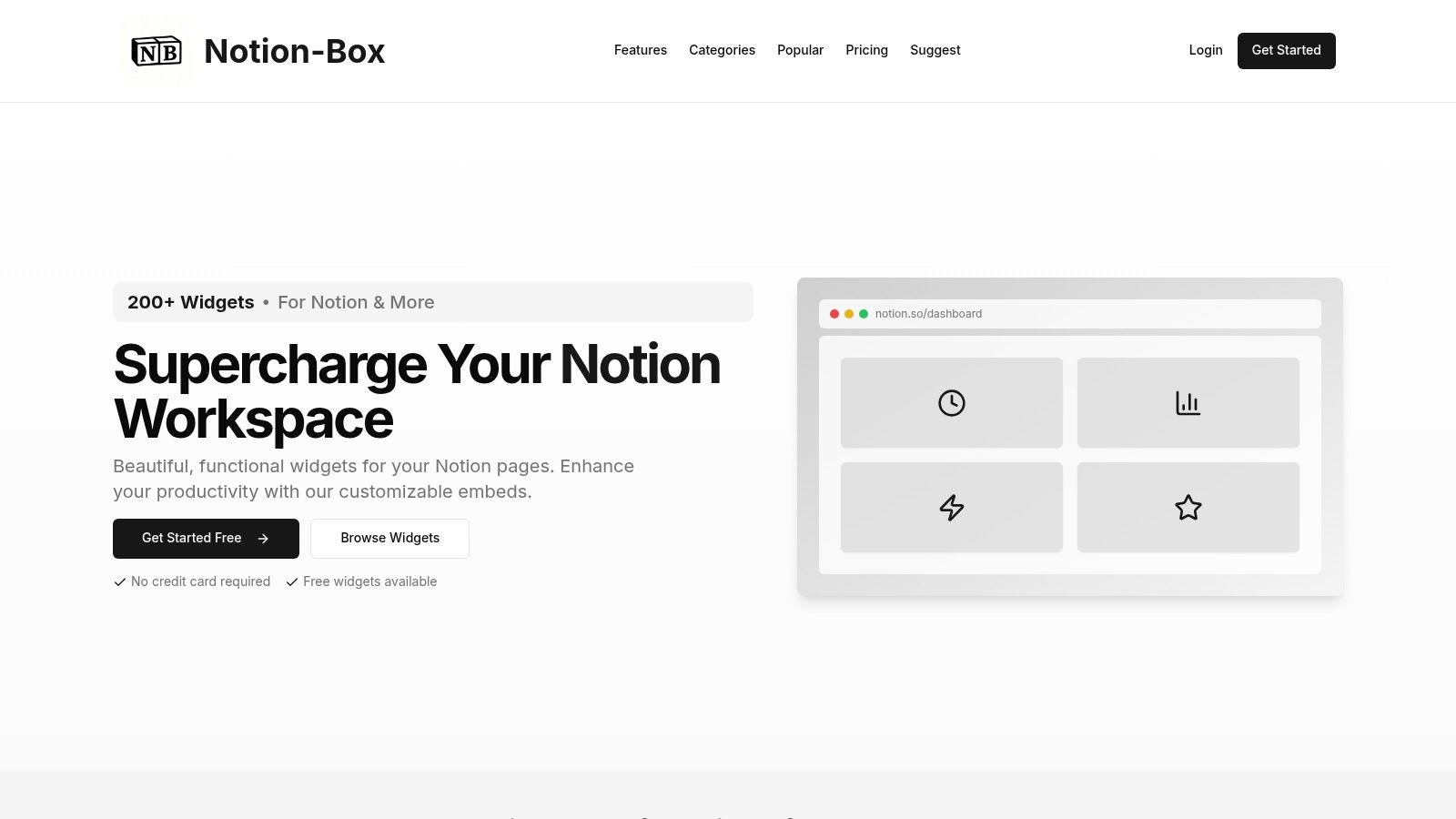
What makes Notion‑Box stand out is its sheer volume and variety. It’s the perfect starting point if you’re unsure what you want and just want to explore possibilities. The workflow is straightforward: find a widget, click to get the embed link (which may take you to the original creator's site), and paste it into Notion. While it lists many notion widgets free of charge, it also includes premium options, so you need to check the details for each one.
Key Features and User Experience
The user interface is designed like a gallery, with search and category filters to help you narrow down the extensive collection. This makes finding specific widgets, like a particular style of clock or a specific integration, much easier than searching multiple sites.
- Pros: Huge centralized library for easy discovery, broad range of categories, includes useful integrations like Google Calendar and Spotify.
- Cons: Many widgets are hosted externally, potentially requiring separate accounts. The distinction between free and premium isn't always clear until you click through.
- Best For: Users who want to browse the widest possible selection of widgets from different creators in one convenient place.
Website: https://www.notion-box.com
6. Widgets for Notion
Widgets for Notion is a newer platform designed for users who want clean, functional widgets with minimal fuss. It focuses on the essentials: weather, countdowns, clocks, to-do lists, and stopwatches, all optimized for fast loading within your Notion dashboards. Its standout feature is an AI-assisted generator that helps you quickly create and customize a widget to your exact specifications, making it perfect for beginners.
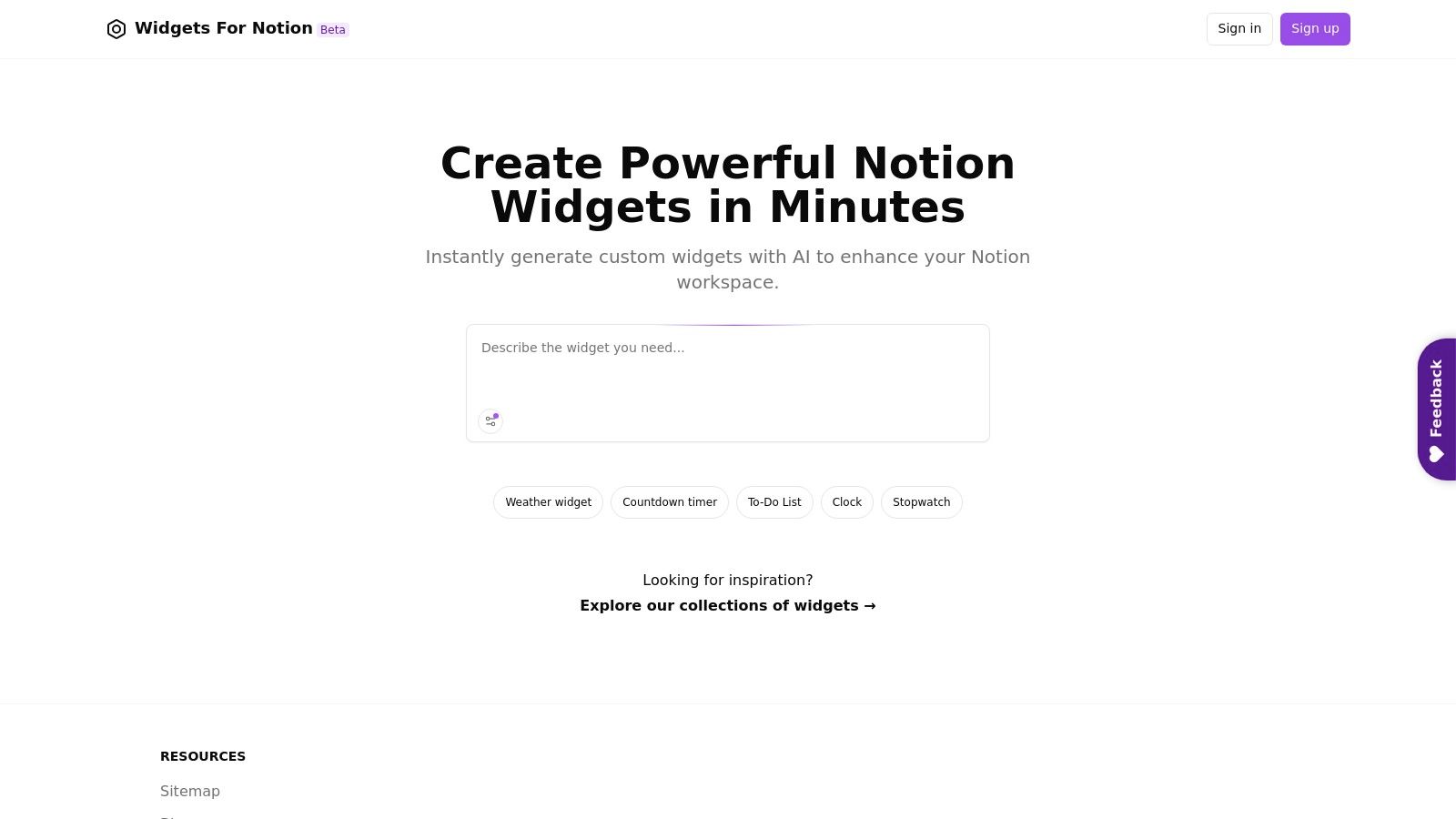
The platform is built around simplicity and speed. Instead of an overwhelming gallery, it provides a curated set of high-quality tools that integrate seamlessly. This approach makes it a great source for notion widgets free of charge if your goal is to add functionality without clutter. Its "Collections" section also offers great inspiration for how to combine different widgets for a cohesive dashboard look, and you can learn more about its widgets for Notion and how to best use them.
Key Features and User Experience
The user experience is incredibly straightforward, guiding you from selection to customization and embedding in just a few clicks. The AI assistant is a unique touch that simplifies the design process, suggesting styles that match your dashboard's theme.
- Pros: Fast and extremely beginner-friendly, clean and minimal widget styles, AI-assisted creation process.
- Cons: The widget catalog is smaller than more established platforms, and advanced customization options are limited.
- Best For: New Notion users or minimalists who need simple, reliable widgets for their dashboard without a complex setup.
Website: https://widgetsfornotion.com
7. Notion Avenue – Free Notion Widgets
Notion Avenue is a boutique collection of beautifully designed, aesthetic widgets explicitly curated for Notion dashboards. Unlike larger platforms with complex customization options, Notion Avenue focuses on providing a handpicked selection of stylish, ready-to-use widgets that you can drop directly into your workspace. It offers popular tools like Pomodoro timers, affirmation displays, and multiple unique clock styles (Aura, Word, Retro) that are perfect for creating a specific theme or vibe.
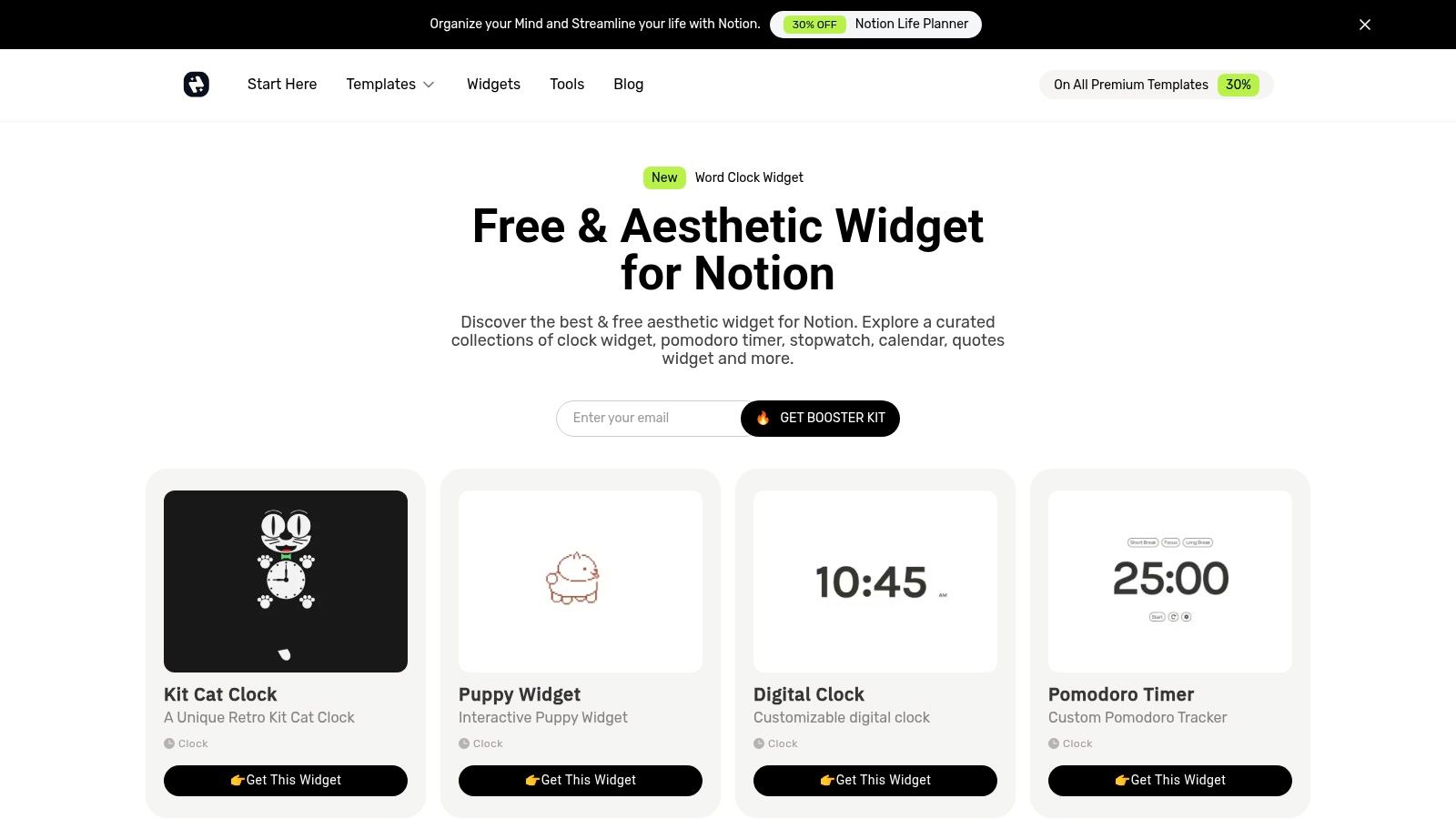
What makes Notion Avenue a go-to resource is its simplicity and commitment to being free. Every widget is designed with aesthetics in mind, allowing users to quickly elevate the look of their pages without navigating paywalls or complex settings. This makes it an excellent source for anyone searching for notion widgets free of charge that add visual polish rather than heavy functionality. The one-click embed link system means you can add a stylish widget to your dashboard in seconds.
Key Features and User Experience
The user experience is incredibly straightforward. You simply visit the page, find a widget you like, and copy its embed link. There are no accounts to create or settings to configure, making it one of the fastest ways to add a new visual element to your Notion setup.
- Pros: Entirely free collection, highly aesthetic designs, extremely simple copy-and-paste implementation.
- Cons: The selection is much smaller than dedicated widget builders and focuses more on visual appeal than data-heavy functionality.
- Best For: Notion users who want to quickly add a touch of style to their dashboards with minimal effort and no cost.
Website: https://www.notionavenue.co/notion-widgets
8. Actions.so
Actions.so is a freemium platform that excels at creating interactive and branded elements for your Notion pages. With a gallery of over 45 widgets, it focuses heavily on design and functionality, offering everything from animated buttons and cards to advanced charts and multi-input forms. This platform is ideal for users who want their Notion workspaces to feel more like a dynamic app or a polished website.
What makes Actions.so stand out is its emphasis on interactive components that go beyond simple displays. While it offers a range of notion widgets free of charge, its real power is unlocked through a low-cost subscription. The platform provides a 14-day free trial to test premium features, making it easy to see if the advanced widgets fit your needs before committing. This approach caters to both casual users and power users looking for professional-grade embeds.
Key Features and User Experience
The customization interface is robust, allowing for deep styling to match your brand or personal aesthetic. The widgets are designed to be responsive and integrate smoothly into Notion's block-based system. Some widgets even offer a native Notion connection, pulling data directly from your databases.
- Pros: Excellent for interactive elements like buttons and forms, strong branding and customization options, active development with tutorials.
- Cons: Most advanced and unique widgets require a subscription, and it can be overkill for users who only need a few simple widgets.
- Best For: Users who want to build highly interactive dashboards, client portals, or branded pages directly within Notion.
Website: https://www.actions.so
9. Wotion
Wotion takes a community-driven, open-source approach to Notion widgets. Unlike commercial platforms, it’s a free-to-use library that requires no sign-ups or accounts to access its tools. It offers practical widgets like a stock tracker, a Spotify player wrapper, a Medium article reader, and custom buttons, all built to be lightweight and performance-minded.
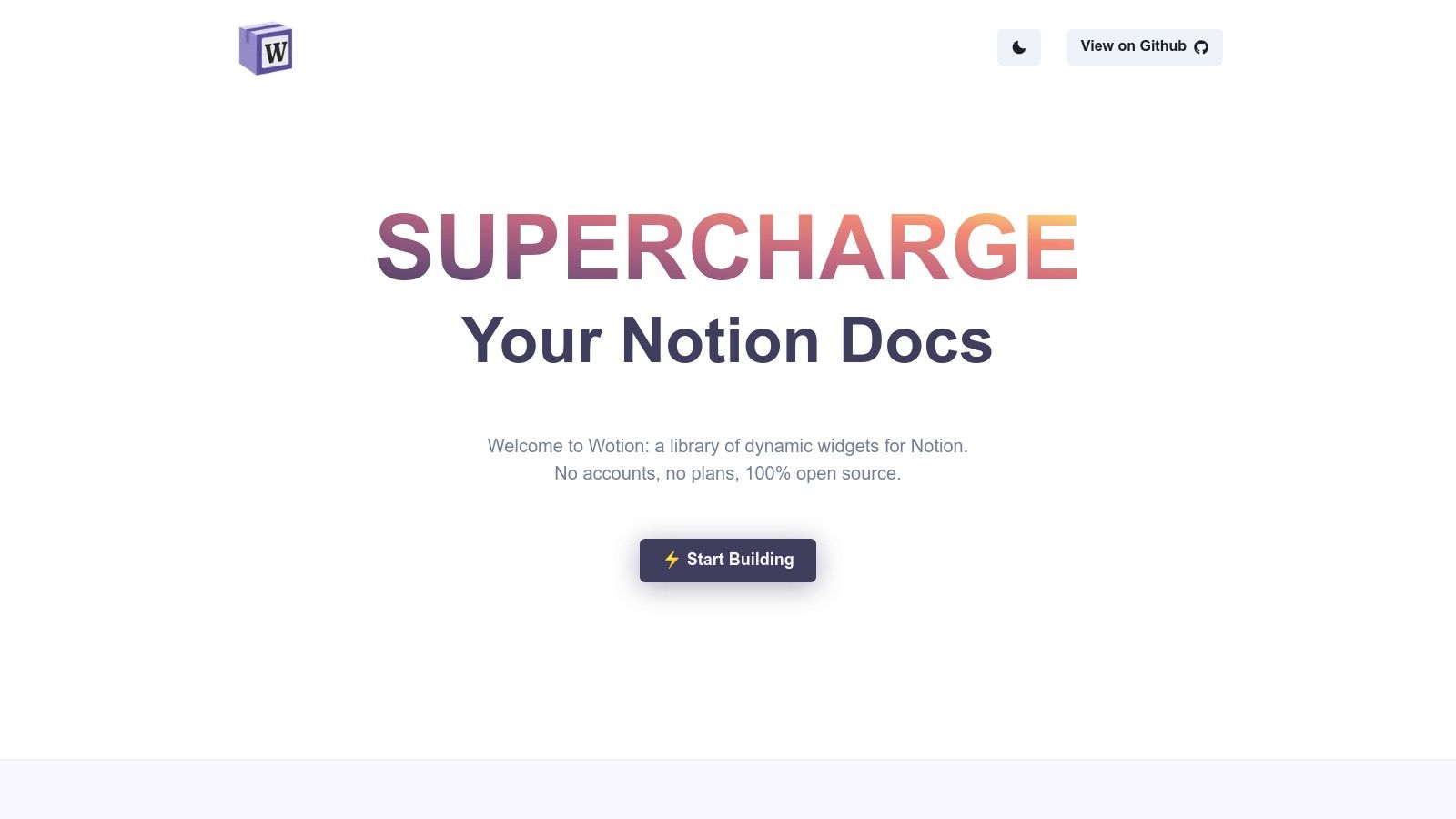
The platform’s standout feature is its transparency. Since it's 100% open-source with a public GitHub repository, users who are comfortable with code can see exactly how each widget works or even contribute. This makes Wotion a fantastic resource for notion widgets free from logins and tracking, appealing to privacy-conscious users and developers who prefer a DIY ethos. The builder for each widget is straightforward, providing an embed link in seconds.
Key Features and User Experience
Wotion's interface is minimal and direct: select a widget, customize it on the spot, and copy the code. The widgets are designed to auto-resize, ensuring they fit seamlessly into different Notion layouts without manual adjustments. The focus is purely on functionality without any extra fluff.
- Pros: Completely free and open-source, no account required, lightweight and fast-loading widgets.
- Cons: Limited selection compared to larger platforms, no official support for troubleshooting issues.
- Best For: Developers, students, and users who value transparency and want simple, functional widgets without creating another account.
Website: https://wotion.co
10. Common Ninja – Notion Widgets
Common Ninja is a versatile widget platform that extends Notion's capabilities far beyond simple clocks and counters. It specializes in business and marketing-focused tools, offering widgets like pricing tables, social media feeds, testimonials, and interactive forms. This makes it an ideal choice for anyone using Notion to build public-facing websites, client portals, or digital products.
While many platforms focus on aesthetics, Common Ninja brings functional, business-grade tools into the Notion ecosystem. Its strength lies in providing widgets that are typically found on traditional websites, such as interactive charts and payment buttons. The platform offers a free plan that includes access to basic versions of many widgets, making it a great source for notion widgets free of charge, particularly for those testing out a Notion-based business site. Paid plans unlock more advanced features and remove branding.
Key Features and User Experience
The platform provides a centralized dashboard to manage all your widgets and offers detailed theming options to match your Notion page's branding. Embedding is straightforward, with guides specifically tailored for Notion users, ensuring a smooth integration process even for complex widgets.
- Pros: Wide range of business and marketing widgets, great for Notion websites, centralized support and documentation.
- Cons: Many advanced features and customization options are behind a paywall, and the embeds can be heavier, potentially slowing page load times.
- Best For: Users building business websites, client dashboards, or product pages directly within Notion who need functional, data-driven widgets.
Website: https://www.commonninja.com/platforms/notion
11. Gridfiti
Gridfiti is a design-focused publisher known for its highly aesthetic templates and digital goods, including a collection of popular Notion-embeddable widgets. Instead of offering a broad gallery, Gridfiti focuses on specific, polished tools like the Aura Gradient Clock, Flix Flip Clock, and functional Pomodoro timers. Each widget comes with its own dedicated landing page featuring clear, step-by-step instructions, making the setup process incredibly simple.
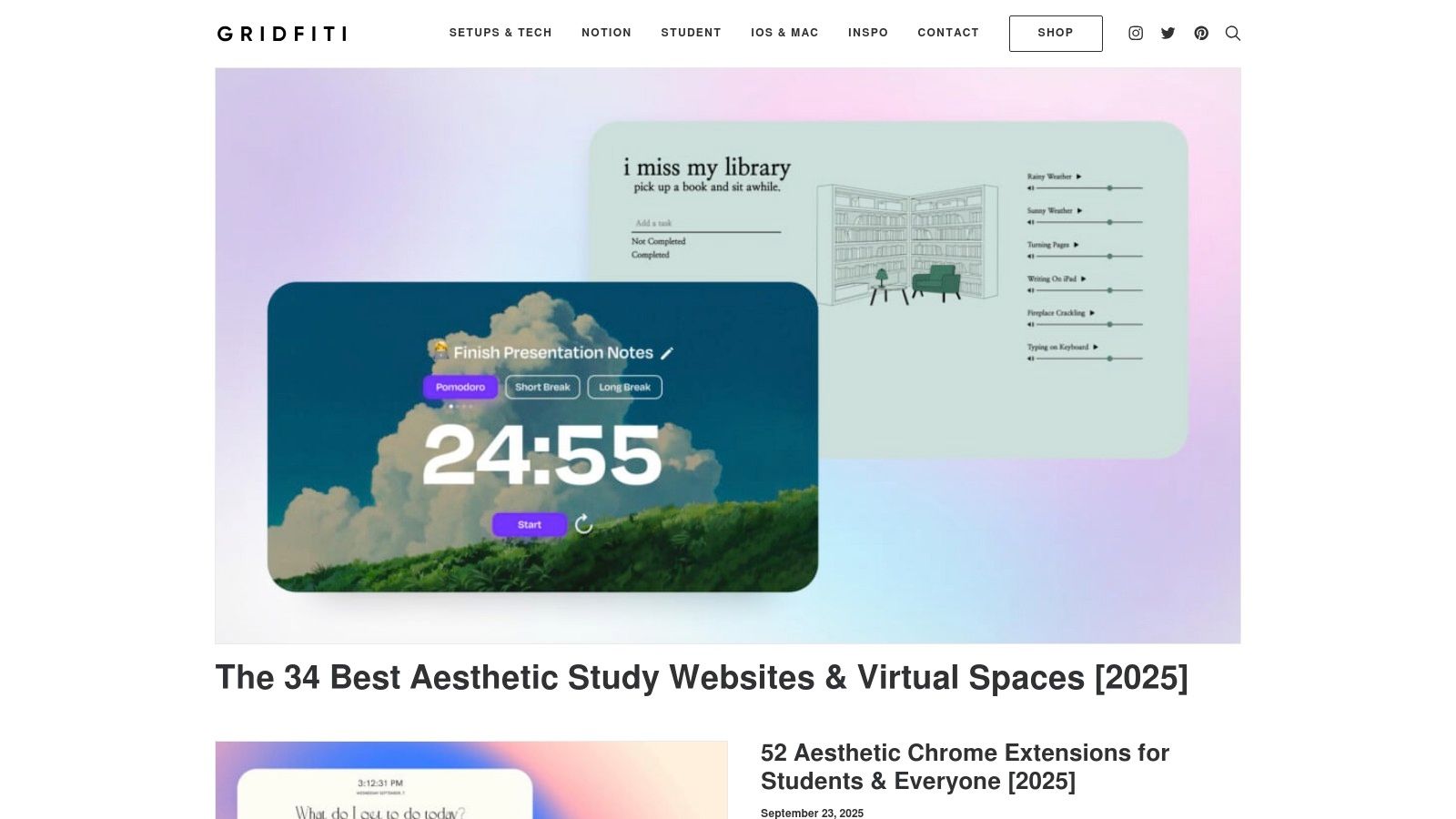
What makes Gridfiti unique is its integration into a wider ecosystem of digital products like templates, icons, and guides, ensuring a consistent and stylish look across your entire workspace. While some widgets are free, others are part of paid bundles or require an email signup, offering a mix of free and premium options. Gridfiti excels at providing notion widgets free that don't sacrifice visual quality, making it a go-to for users who want their dashboard to look as good as it functions. If you're looking to pair these widgets with other dashboard elements, exploring different Notion calendar templates can provide even more organizational power.
Key Features and User Experience
The user experience is straightforward, guiding even Notion beginners through the "copy link → create embed" process without confusion. Each widget is designed with a specific theme or aesthetic in mind, from retro anime to minimalist gradients.
- Pros: Highly polished and aesthetic visual styles, extremely easy setup with clear instructions, some excellent free options are available.
- Cons: Limited selection compared to dedicated widget libraries, some of the best items are paid or require email signup.
- Best For: Users who prioritize a specific, curated aesthetic for their Notion pages and value simplicity over extensive customization options.
Website: https://gridfiti.com
12. Notion Help Center – Embeds and Mobile Widgets
While not a widget provider itself, the official Notion Help Center is an essential resource for anyone looking to add functionality to their pages. This is the source of truth for understanding how embeds work, which domains are supported, and what limitations you might encounter. It also provides official instructions for setting up Notion's native home-screen widgets for iOS and Android, which offer quick access to your favorite pages.
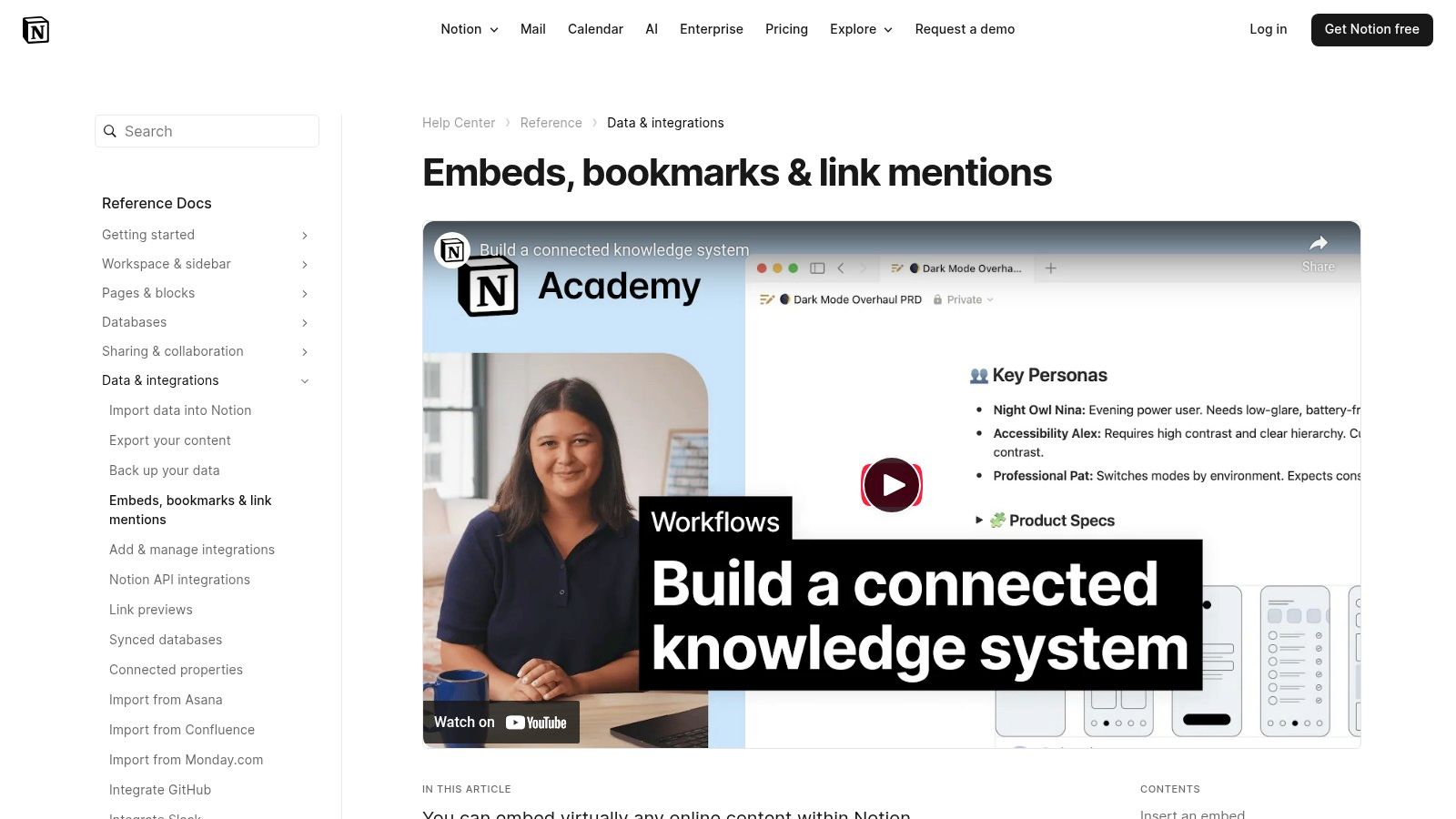
What makes this resource invaluable is its role in troubleshooting. If a widget isn't rendering correctly, this guide helps you diagnose the problem, whether it's a domain restriction or an issue with login-gated content. Understanding these foundational rules is key to successfully using any third-party notion widgets free of technical headaches. It’s the official playbook directly from the creators of Notion.
Key Features and User Experience
The documentation is clear, well-organized, and provides step-by-step guidance. It demystifies the embedding process and empowers users to solve common problems independently, saving time and frustration when working with widgets from various sources.
- Pros: Authoritative information from Notion, helps troubleshoot embed issues, useful for both third-party and native mobile widgets.
- Cons: It's a documentation resource, not a widget marketplace, and some third-party embed limitations are set by Notion's policies.
- Best For: All Notion users who want to understand the technical side of embedding widgets or need official guidance for setting up mobile widgets.
Website: https://www.notion.com/help/embed-and-connect-other-apps
Free Notion Widgets — Top 12 Comparison
| Platform | Core features ✨ | Unique selling points ✨ | Quality / UX ★ | Pricing / Value 💰 | Target audience 👥 |
|---|---|---|---|---|---|
| widgetly 🏆 | No-code embeddable widgets; live Notion DB charts; payment gates; analytics ✨ | Payment-gated pages, sell & deliver Notion products; real-time metrics ✨ | ★★★★☆ (polished, business-ready) | Free starter + paid plans for commerce 💰 | Freelancers, site owners, small businesses 👥 |
| WidgetBox | 30+ Notion-optimized widgets; themes & sizing ✨ | Fast copy-embed workflow; many style options ✨ | ★★★☆☆ (quick setup; occasional layout quirks) | Freemium; Pro from ≈$1.49/mo 💰 | Notion users wanting aesthetic, low-cost widgets 👥 |
| Indify | Calendar, weather, progress bars, quotes; Google Calendar ✨ | Generous free access; trusted community staple ✨ | ★★★★☆ (clean, minimal) | Mostly free; some Pro features 💰 | Users who want reliable, simple widgets 👥 |
| Apption | DIY HTML → Notion embed converter; large curated library ✨ | Solves Notion embed limitations; many external sources ✨ | ★★★☆☆ (varied widget quality) | Free to browse/use 💰 | DIYers converting external widgets or exploring options 👥 |
| Notion‑Box | 200–500+ widget catalog; search & per-widget pages ✨ | Discovery hub for many categories; mix free/premium ✨ | ★★★☆☆ (broad, variable quality) | Mix of free & premium per widget 💰 | Explorers wanting wide selection & discovery 👥 |
| Widgets for Notion | Quick-build clocks, weather, countdowns; AI-assisted creation ✨ | Fast, beginner-friendly AI customization ✨ | ★★★☆☆ (simple, efficient) | Free/basic; limited catalog 💰 | Beginners building dashboard basics 👥 |
| Notion Avenue | Curated free aesthetic widgets (clocks, pomodoro) ✨ | Explicitly free, themed visual styles ✨ | ★★★☆☆ (visually polished) | Free 💰 | Users seeking attractive, free widgets for styling 👥 |
| Actions.so | 45+ interactive widgets: buttons, charts, forms ✨ | Interactive/branded elements; Notion connect ✨ | ★★★★☆ (feature-rich; responsive) | 14-day trial + subscriptions for premium 💰 | Teams needing interactive or branded embeds 👥 |
| Wotion | Open-source widgets; no-account embeds; GitHub repo ✨ | Fully free & transparent; lightweight embeds ✨ | ★★★☆☆ (DIY-friendly; limited support) | Free 💰 | Developers & privacy-conscious DIY users 👥 |
| Common Ninja | Business/marketing widgets: forms, pricing, reviews ✨ | Marketing-focused widgets with support/docs ✨ | ★★★☆☆ (powerful but heavier) | Freemium; advanced widgets paid 💰 | Businesses needing marketing & portal widgets 👥 |
| Gridfiti | Polished clocks & Pomodoro timers; step-by-step guides ✨ | Themed, high-polish widgets with clear setup ✨ | ★★★★☆ (easy for beginners) | Mix free & paid downloads 💰 | Users wanting themed visuals & tutorials 👥 |
| Notion Help Center | Official embed guidance; mobile widget setup ✨ | Authoritative docs for troubleshooting & limits ✨ | ★★★★★ (official, up-to-date) | Free 💰 | All Notion users needing embed guidance 👥 |
Choosing the Right Free Widgets for Your Workflow
You've now explored a comprehensive list of the best notion widgets free of charge, from all-in-one platforms like Indify and WidgetBox to specialized tools like Actions.so. The potential to transform your static pages into dynamic, interactive dashboards is immense. The key takeaway is that you don't need a budget to significantly upgrade your Notion workspace; you just need a clear goal and the right free tool.
By embedding elements like clocks, calendars, progress bars, and even interactive charts, you can centralize information and create a single source of truth for your projects, goals, and daily tasks. This isn't just about aesthetics; it's about building a more efficient and personalized system that works for you, not against you.
How to Select the Perfect Widget for Your Needs
With so many options, choosing where to start can feel overwhelming. The best approach is to identify a specific pain point in your current workflow and find a widget that solves it directly.
- For maximum variety and customization: If you want a one-stop-shop to browse and build multiple widgets from a single source, platforms like Indify and WidgetBox are your best starting points. They offer the widest selection of notion widgets free and provide robust customization options to match your workspace's theme.
- For specific, functional needs: If you need to add a simple, reliable countdown timer or a Pomodoro clock, a dedicated provider like Notion-Box or Widgets for Notion is an excellent choice. These tools focus on doing one or two things exceptionally well, resulting in a clean and hassle-free setup.
- For aesthetic and minimalist designs: If your priority is a clean, visually appealing dashboard, look to resources like Notion Avenue and Gridfiti. They offer beautifully designed, often minimalist widgets that enhance your workspace's look without adding unnecessary clutter.
- For advanced functionality and integrations: For those looking to connect Notion with other apps or add actionable buttons, Actions.so is a powerful, automation-focused option. It bridges the gap between a simple page and a functional app interface.
Final Considerations Before You Embed
Before you go all-in on adding widgets, remember two crucial factors. First, performance matters. Overloading a single Notion page with too many complex, third-party embeds can slow it down, especially on mobile devices. Start by adding one or two essential widgets and monitor your page's loading speed.
Second, consider longevity and reliability. Since these are free tools, often maintained by small teams or individuals, there's always a chance they could become unsupported. Stick with well-regarded providers with active communities to minimize this risk.
Ultimately, the best notion widgets free are the ones that seamlessly integrate into your daily routine, reduce friction, and bring you a little bit of joy every time you open your workspace. Start small, experiment with the tools we've covered, and build the personalized, powerful Notion dashboard you've always wanted.