
How to Calculate Billable Hours to Boost Profit
To get your billable hours right, you first need to draw a clear line between work that a client gets direct value from and all the internal stuff you do to keep your business running. Once you have that figured out, you track the client-focused time and multiply those hours by your rate. The secret sauce, though, is meticulous tracking. Every single minute spent on a client's project needs to be accounted for.
Understanding What Truly Counts as a Billable Hour
Before you can even think about calculating billable hours, you need a rock-solid definition of what one is. This isn't just semantics; the line between billable and non-billable time is the very foundation of profitability for any service business, whether you're a solo freelancer or a growing marketing agency.
If you get this part wrong, it doesn't just mess up your invoices. It torpedoes your ability to quote new projects accurately and manage your team’s workload.
At its core, the distinction is pretty simple: Billable hours are for tasks that directly push a client's project forward. Non-billable hours are for all the other things you do to run your business that aren't tied to a specific client deliverable.
The Real-World Difference
Let's say you're a web developer. A typical day might break down like this:
- Coding a new feature for Client A (1 hour): This is pure, direct work for a client. Absolutely 100% billable.
- Project kickoff call with Client B (30 minutes): This strategy session is essential for the project's success, so this is also billable.
- Internal training on a new coding language (45 minutes): This improves your skills, which is great, but it's an investment in your own business. That makes it non-billable overhead.
- Sending invoices and doing admin follow-ups (15 minutes): This is critical for getting paid, but it’s considered the cost of doing business. It's non-billable.
The goal isn't just to track time, but to strategically value it. By clearly separating these categories, you get a true picture of your business's efficiency and the real cost of delivering your services. This clarity stops you from undervaluing your work and makes sure every client invoice is transparent and easy to justify.
Why This Distinction Is So Critical
Nailing this concept changes your mindset from just being a timekeeper to acting like a strategic business owner.
When you know exactly where your time is going, you can make much smarter decisions. You'll be able to price future projects with confidence, spot which internal tasks are eating up too much of your day, and set revenue goals you can actually hit.
Effective time tracking for freelancers isn't just about logging hours—it's about gathering the data you need to build a more profitable and sustainable business. And it all starts with knowing what counts.
Finding Your Total Available Work Time
Before you can even think about what's billable, you need to get a grip on your total capacity. What does a "full-time employee" actually mean in terms of hours you can sell? If you don't know this number, you're just guessing—a recipe for overbooking your team and missing revenue targets.
Let's start with the standard figure. In the U.S., a typical full-time employee is on the clock for 40 hours a week. Over a year, that adds up to 2,080 hours (40 hours x 52 weeks).
But nobody—and I mean nobody—works on client projects for all 2,080 of those hours. The real work begins when you start peeling back the layers to see what's left.
This infographic breaks down how that total time gets filtered down into what's actually available for client work.
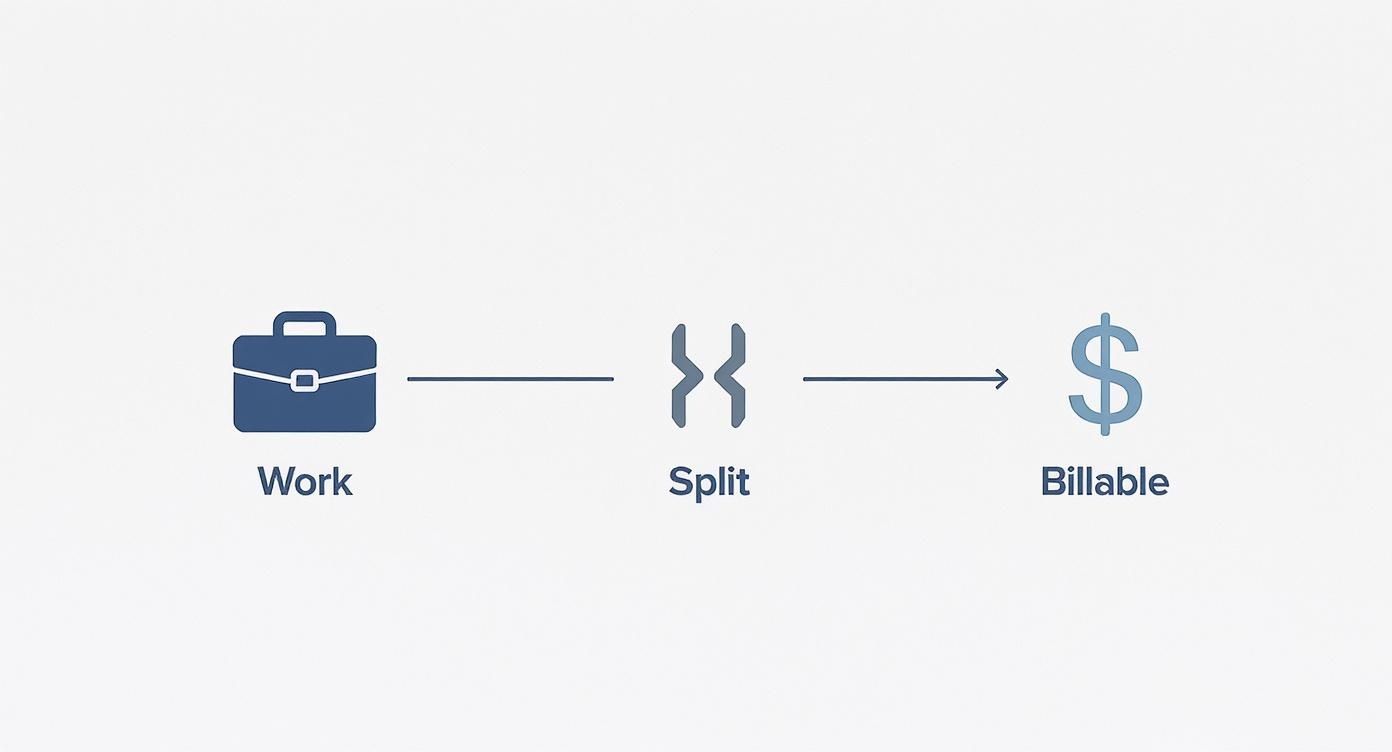
As you can see, your total time gets split right away. Only a portion of it can ever bring in revenue. Now, let's get into the nitty-gritty of subtracting the time that's definitely not billable.
Accounting for Time Off
The first things to pull out of the equation are the easiest to spot: planned time away from the desk. You have to account for every day an employee is getting paid but isn't expected to be working on client tasks.
This bucket usually includes:
- Paid Time Off (PTO): All those well-deserved vacation and personal days.
- Public Holidays: Any national or regional holidays your company observes.
- Sick Days: It's smart to factor in an average for sick leave, too.
Let's walk through a quick example. Say you have a graphic designer who gets 15 vacation days and your company closes for 8 public holidays. That’s a total of 23 days off for the year.
If you multiply those 23 days by a standard 8-hour workday, that comes out to 184 hours that are immediately non-billable. Just like that, your initial 2,080 hours has already dropped to 1,896 hours. See how quickly it adds up?
Factoring in Other Non-Billable Commitments
But the deductions don't stop there. This is where a lot of businesses get their math wrong. You also have to account for all the other essential, internal work that keeps the lights on but doesn't directly bill to a client.
Think about all the time spent on:
- Professional development and training sessions
- Internal company-wide or team meetings
- General administrative tasks, like organizing files or updating software
Let’s run another scenario. An employee gets seven federal holidays and 10 paid vacation days. That’s 17 days off, which works out to 136 non-billable hours (17 days x 8 hours). Subtract that from 2,080, and your available time is already down to 1,944 hours for the year. If you want to dive deeper into these foundational calculations, this guide on billable hours from ServiceTitan.com is a great resource.
By meticulously subtracting all non-billable time—from holidays to internal meetings—you finally land on a realistic number for an employee's Maximum Billable Hours. This isn't just an abstract figure; it's the foundation for accurate project quotes, smart resource planning, and reliable financial forecasts. You're building your business plan on reality, not wishful thinking.
Making Time Tracking a Habit You Can Stick With
Knowing what counts as a billable hour is one thing. Actually tracking it is where the money is made—or lost. I've seen it time and time again: sloppy time tracking is the number one reason service businesses leak revenue. This isn't just about paperwork; it's the foundation of your profitability.
The single biggest shift you can make is to stop remembering what you did and start recording it as you do it. It sounds simple, but the impact is huge. I once worked with a consultant who clawed back nearly 10% of their monthly revenue just by switching from logging hours at the end of the day to tracking them in real time.

That's not an exaggeration. The "forgetting curve" is steep. If you wait until the end of the day to fill out your timesheet, you can easily miss 10% of your billable time. Wait until the next morning? That number jumps to 25%. And if you wait until the end of the week, you could be losing a staggering 50% of what you earned.
Finding the Right Tool for the Job
Honestly, the specific tool you use matters less than your commitment to it. The best system is the one you actually use without a fuss, so pick something that slots right into how you already work.
- Spreadsheets: The old standby. They’re free and totally flexible, but they are also completely manual. That makes them a breeding ground for errors, and they quickly become a headache to manage as you scale.
- Dedicated Software: This is where tools like Widgetly shine. They’re built specifically for this, offering features like real-time timers, automated reports, and integrations that send your hours straight to an invoice. They remove all the friction that makes you put off tracking in the first place.
No matter which route you go, the objective is the same: make tracking a natural, almost unconscious, part of your day. If you need a little help building that discipline, check out some of the best habit-tracking apps to hold yourself accountable.
How Billing Increments Boost Your Bottom Line
Here’s a detail that often gets overlooked: how you round your time. This tiny operational choice can have a surprisingly big impact on your revenue.
Most professional services bill in set increments, usually either 6 minutes or 15 minutes. Billing in six-minute chunks (or 0.1 of an hour) has become the gold standard, especially in professions like law. Why? It lets you accurately capture the value of those quick tasks—a short phone call, a two-sentence email reply—without feeling like you're nickel-and-diming your client.
The standard in many professional fields is to bill in six-minute increments. This simple practice helps firms capture 15-20% more revenue compared to larger increments. It ensures those small but valuable interactions aren't just given away for free.
This isn't about padding your hours; it's about getting paid for all the work you actually do. Think about it: lawyers, for example, bill on average only 2.9 hours of an 8-hour workday, often because of inefficient tracking. By adopting smaller increments and being diligent, you stop giving your time away. This habit isn't just an administrative task—it's a direct investment in your profitability.
Using Your Billable Utilization Rate to Grow
Once you have a steady stream of accurate time-tracking data, you can stop just guessing about your business's health and start measuring it. One of the most powerful metrics you can pull from this data is your billable utilization rate. This number is a key performance indicator (KPI) that tells you exactly how much of your team's available time is actually generating revenue.
Think of it as an efficiency score for your business. The formula is refreshingly simple.
Billable Utilization Rate = (Total Billable Hours ÷ Total Available Work Hours) x 100
So, if a team member had 160 available work hours in a month and logged 120 billable hours, their utilization rate would be 75% (120 ÷ 160). Just like that, raw time entries become a powerful strategic tool.
Finding the Strategic Sweet Spot
At first glance, hitting a 100% utilization rate might sound like the ultimate goal. In reality, it's a dangerous target. Pushing for that number is a fast track to burnout, it stifles creativity, and it leaves zero room for the non-billable work that truly grows a business.
Things like marketing, networking, skill development, and improving your internal processes are absolutely essential for long-term success. If your team is booked solid with client work 100% of the time, your business stagnates. This is why most seasoned professionals recommend a much more balanced approach.
For most service-based businesses, the sweet spot for billable utilization is between 70% and 80%. This range maximizes profitability without cooking your books or your people. For example, if an employee has 30 total working hours in a week but only 24 of them are billable, their utilization rate is a healthy 80%. Rates above 90% often signal impending burnout, while rates below 50% can seriously hurt your bottom line. You can explore more on this topic with these insights on billable utilization from Runn.io.
Making Data-Driven Decisions
Your utilization rate is more than just a number—it’s a compass for making smarter business decisions. By keeping a close eye on this KPI, you can answer critical questions about your operations with real confidence.
- Is it time to hire? If your team’s utilization rate is consistently creeping up to 85% or higher, that’s a strong sign. It means you probably have enough consistent work to bring on a new person without losing money.
- Do we need to drum up more sales? A consistently low utilization rate, say below 60%, tells you that your team has too much downtime. It's a clear signal to ramp up your marketing and business development efforts to fill the pipeline.
- Are our projects priced correctly? A high utilization rate paired with disappointingly low profit margins can be a red flag. It might mean your hourly rates are too low to cover all that essential non-billable overhead.
By regularly calculating and thinking about this metric, you can shift from reactively managing workloads to proactively steering your business toward sustainable growth.
Creating Invoices That Get You Paid Faster
You've done the hard work of tracking your hours and setting your rates. Now for the most important part: turning all that effort into cash. Crafting a clear, professional invoice isn't just a bit of admin—it’s a vital piece of client communication that seriously affects how quickly you get paid. A confusing invoice is basically an invitation for your payment to be delayed.
Think of your invoice as the final chapter of the project. It should tell a clear story of the value you delivered, leaving no room for your client to scratch their head and wonder what they’re paying for. Transparency here is your best friend; it builds trust and proves you're worth every penny.
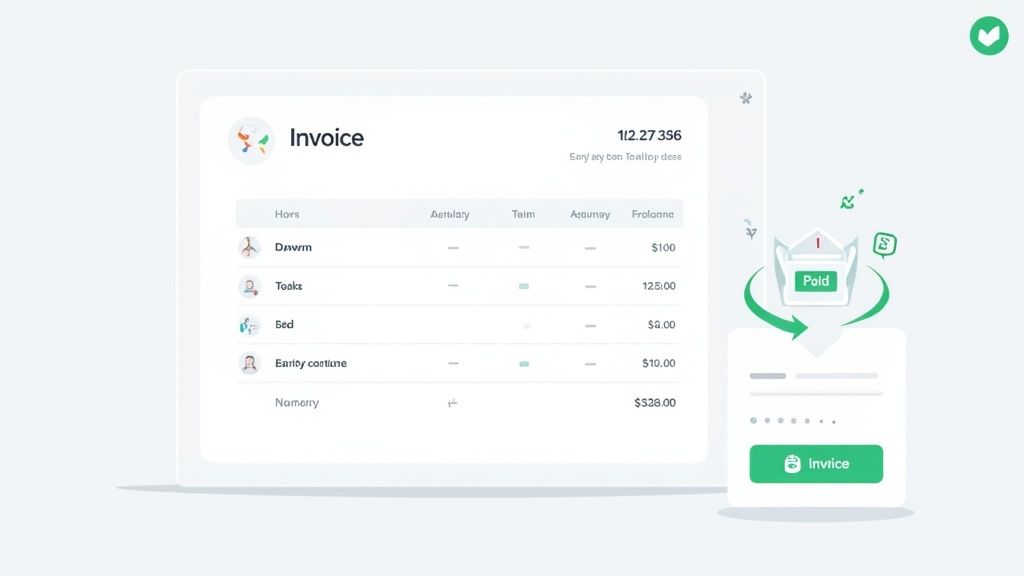
The Anatomy of a Perfect Invoice
Every single invoice you send out should be a masterclass in clarity. The last thing you want is to surprise your client with a big, unexplained number. A detailed breakdown of your work makes it easy for them to see the value, sign off, and send the payment.
Your invoice is a business document, and getting the details right shows you're a professional. Making sure you've included all the essential elements prevents back-and-forth emails and gets money in your account faster.
Essential Elements of a Professional Invoice
| Component | Description | Why It's Important |
|---|---|---|
| Your & Client's Info | Full name, business name, address, and contact details for both parties. | Legitimizes the document and ensures it reaches the right person for payment. |
| Invoice Number | A unique, sequential number (e.g., INV-001, INV-002). | Crucial for tracking payments and maintaining organized financial records. |
| Dates | The date the invoice was issued and the payment due date. | Clearly communicates payment deadlines and helps you manage cash flow. |
| Detailed Line Items | A breakdown of each service, including task, hours, and rate. | Provides total transparency, justifies the cost, and prevents disputes. |
| Subtotal & Taxes | The total cost before taxes, with any applicable taxes listed separately. | Ensures accurate accounting and compliance with tax regulations. |
| Grand Total | The final, bolded amount due. | Makes it immediately clear what the client needs to pay. |
| Payment Terms | Instructions on how to pay (e.g., bank transfer, credit card) and any late fees. | Eliminates payment friction by giving the client all the info they need. |
When you build your invoices this way, you're not just asking for money—you're demonstrating your professionalism and making your client's life easier.
Here's a quick look at how you can apply this. Instead of a vague line item, get specific:
- Vague: "Consulting work"
- Clear: "Strategic planning session for Q3 marketing campaign"
Breaking it down further:
- Specific Work Dates: List the exact date(s) you performed each task.
- Hours per Task: Show the precise time spent on each individual activity.
- Your Hourly Rate: Clearly display your rate next to the hours.
- Line Item Totals: Calculate the total for each task (Hours x Rate).
- Grand Total: A bold, can't-miss-it final amount due at the bottom.
By providing this level of detail, you answer most of the client's questions before they even think to ask them. This simple bit of communication cuts down on email chains and speeds up your payment cycle.
This is where tools like Widgetly really shine. They can pull your tracked time entries directly into an invoice, which not only saves you a ton of administrative time but also gets rid of the risk of manual typos. That's time you can now spend on actual billable work.
Finally, don’t forget the design. A clean, professional layout is easy on the eyes and makes important information—like the due date and payment options—stand out. If you need a refresher on getting your payment systems in order, check out our complete guide on payment processing for small businesses.
Common Questions About Billing and Time Tracking
No matter how airtight your system is, tricky situations always come up when it's time to calculate billable hours. Knowing how to navigate these moments with confidence is what separates the pros—it helps you keep client relationships strong and ensures you get paid fairly for your work.
Let’s tackle some of the most common questions that land in my inbox.
How Should I Handle Client Disputes Over Billable Hours?
Honestly, the best defense is a good offense. Prevention is everything.
Start by sending invoices that are incredibly detailed, breaking down exactly what you did during the time you billed. But if a client still pushes back, don't get defensive. Go into that conversation as a partner who wants to bring clarity, not as someone on trial.
Calmly walk them through your time logs and connect the hours back to the value you delivered. This is where a great time tracking tool like Widgetly is worth its weight in gold—it gives you a timestamped, undeniable record of your work.
Now, for a high-value, long-term client, is it sometimes worth offering a small courtesy discount to keep the peace? Absolutely. But never back down on legitimate, well-documented work.
Should I Round My Time Up or Down?
This is a big one. The standard professional practice is to round your time based on a consistent, agreed-upon increment—never just winging it. You need to spell this out clearly in your client contract so there are no surprises later.
Most people use one of two increments:
- 6 minutes (0.1 of an hour): This is fantastic for capturing all those quick but critical tasks, like firing off a quick email or a 5-minute status call.
- 15 minutes (0.25 of an hour): This is another popular choice. It’s simple, clean, and easy for everyone to understand.
So, if you use 15-minute increments, a 7-minute task gets billed as 15 minutes (0.25 hours), and a 20-minute task becomes 30 minutes (0.5 hours). The key here is consistency and transparency. It's not about sneakily padding hours; it’s about having a fair system that everyone understands from day one. It’s a core part of how to calculate billable hours the right way.
A quick word of warning: Never, ever feel tempted to round up excessively or pad your hours. It might feel like a tiny win at the moment, but it’s one of the fastest ways to destroy a client’s trust and torch your professional reputation.
Can Internal Meetings or Travel Time Be Billable?
Ah, the classic question. The answer is simple: it all comes down to what you and your client agreed upon in the contract. Your agreement has to explicitly state what’s billable and what isn’t. No gray areas.
Here's how these things are typically handled:
- Project-Specific Meetings: If you're on a call with the client or in a meeting that's essential to push their project forward, that time is almost always billable.
- Internal Team Meetings: Those huddles with your own team to chat about the project? That's usually on your dime—it’s considered the cost of doing business.
- Travel Time: It's very common to bill for travel to a client's office. Some folks bill this time at a reduced rate, say 50% of their standard hourly rate, while others build a flat travel fee into the project quote.
Whatever you decide, get it in writing and make sure the client signs off before you start the work.
What's the Best Way to Track Non-Billable Time?
Don't sleep on this. Tracking your non-billable time is just as important as tracking your billable hours. This is the data that shows you the true cost of running your business and helps you figure out your real utilization rate. It’s a health check for your entire operation.
You can just use the same tool you use for client work, but make sure to set up separate categories for your internal tasks.
Things like:
- Admin
- Marketing & Sales
- Business Development
- Training & Professional Development
Looking at this data is like having a business superpower. If you realize you’re sinking 12 hours a week into manual admin tasks, that's a glaring sign that you need to automate with a tool like Widgetly or maybe even hire a virtual assistant. This is the kind of insight that fuels smart, strategic growth.