
7 Best Notion Dashboard Templates to Use in 2025
Notion has transformed from a simple notes app into a powerful operating system for your life and work. But starting with a blank page can be daunting, and building a truly functional system from scratch takes time. That's where Notion dashboard templates come in, offering pre-built, customizable frameworks to manage everything from daily tasks and finances to complex business projects.
A great dashboard isn't just about aesthetics; it's a command center designed for clarity and efficiency. The right template provides a proven system for achieving your goals, saving you dozens of hours in setup and letting you focus immediately on what matters. Whether you're a freelancer organizing client work, a project manager tracking team progress, or simply aiming for better personal organization, a well-designed dashboard is essential for peak productivity.
In this guide, we cut through the noise to bring you the best sources for high-quality Notion dashboard templates. We'll explore seven top platforms, from official galleries to curated creator marketplaces, ensuring you find the perfect fit. Each entry includes key details, screenshots, and direct links to help you quickly find and implement the ideal dashboard to organize your world. Let’s dive in and find the template that will supercharge your workflow.
1. widgetly
For those who view their Notion dashboard as a functional command center rather than just a static page, widgetly offers a powerful upgrade. Instead of providing pre-designed page layouts, it delivers a library of no-code, professional-grade widgets that you can embed directly into your existing Notion setup. This approach allows you to augment your own custom notion dashboard templates with dynamic, business-ready tools without needing to hire a developer or learn to code.
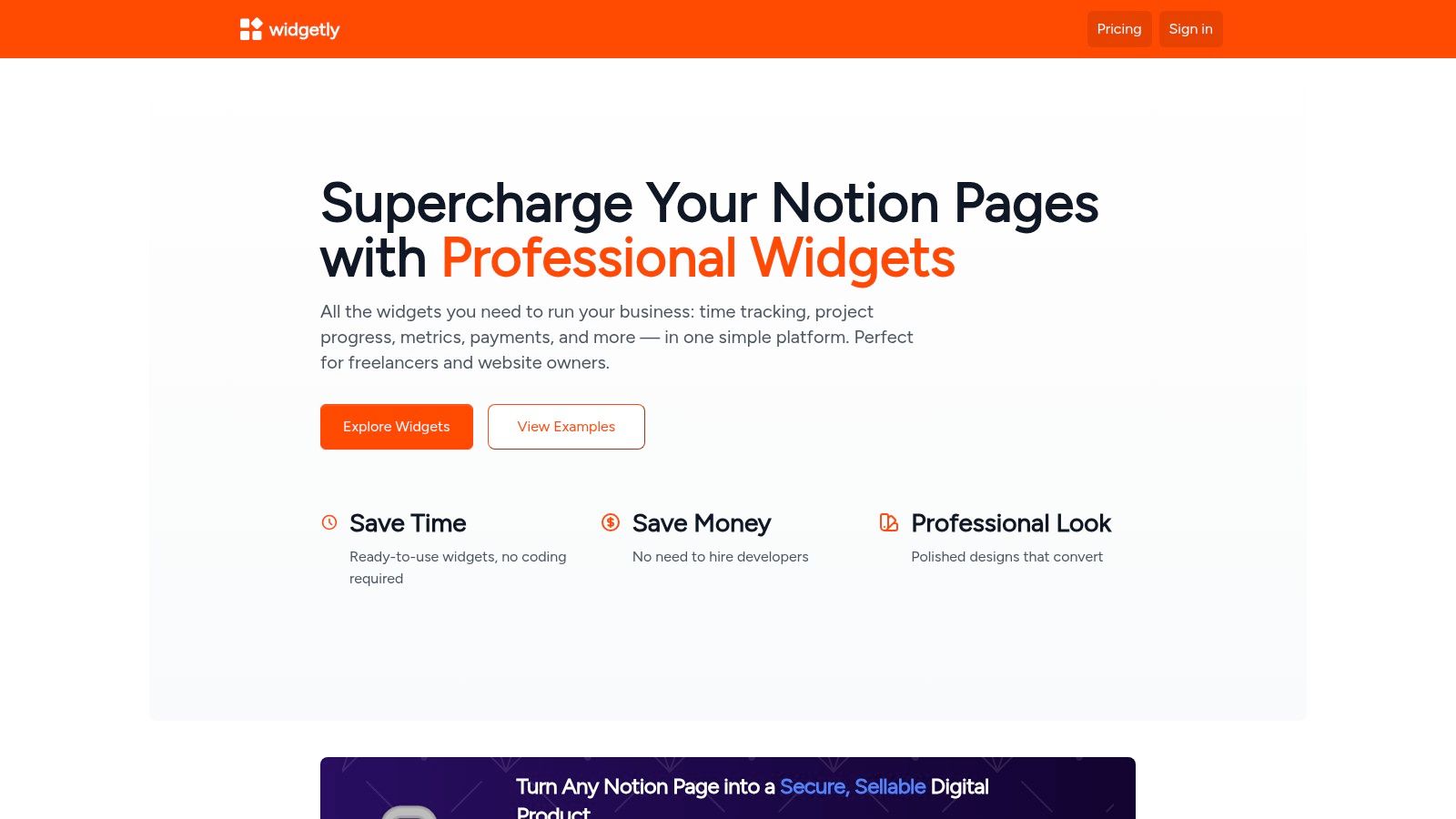
The platform is built for freelancers, small businesses, and productivity-focused teams who need to add interactive elements like time trackers, project progress bars, and KPI dashboards directly into their workspaces. The widgets are designed with a polished, minimalist aesthetic that integrates cleanly into Notion's interface, and they are customizable to match your brand or personal style.
Key Features and Use Cases
Widgetly’s primary strength lies in its diverse and functional widget library. You can move beyond simple text and databases to create a truly interactive hub for your work.
- Business & Productivity Widgets: Add a Time Tracker for client work, a Pomodoro Timer for focus sessions, or a KPI Widget to monitor key business metrics in real-time. These tools are perfect for freelancers and project managers who track billable hours and performance goals.
- Monetization Tools: A standout feature is the ability to turn Notion pages into sellable digital products. Using secure Payment Gates (with PayPal integration) and Email Gates, you can lock content and sell access directly from a unified dashboard. This is a game-changer for creators selling courses, guides, or premium templates.
- Engagement & Tracking: Embed a Habit Tracker, Water Tracker, or Page View counter to monitor personal goals and audience engagement. The widgets are designed to provide immediate visual feedback, keeping you motivated and informed.
What Makes It Stand Out
Widgetly’s most significant advantage is its focus on turning Notion into a professional business tool. The platform solves a common problem: adding reliable, interactive functionality that Notion doesn't natively support. While many tools offer aesthetic widgets, widgetly provides secure, business-centric solutions like payment processing and analytics. Their guide on how to build a dashboard provides excellent insights into leveraging these tools effectively.
Pricing and Access
Widgetly offers several free starter widgets, including timers and a days calculator, allowing you to test its functionality. For advanced features like payment gates and the full business suite, you will need to review the options on their pricing page, as specific details were not publicly available at the time of this review. The platform is actively developing, with features like an AI Bot and Calendar widget listed as "coming soon," indicating a commitment to ongoing improvement.
Website: widgetly.co
2. Notion Template Gallery (official)
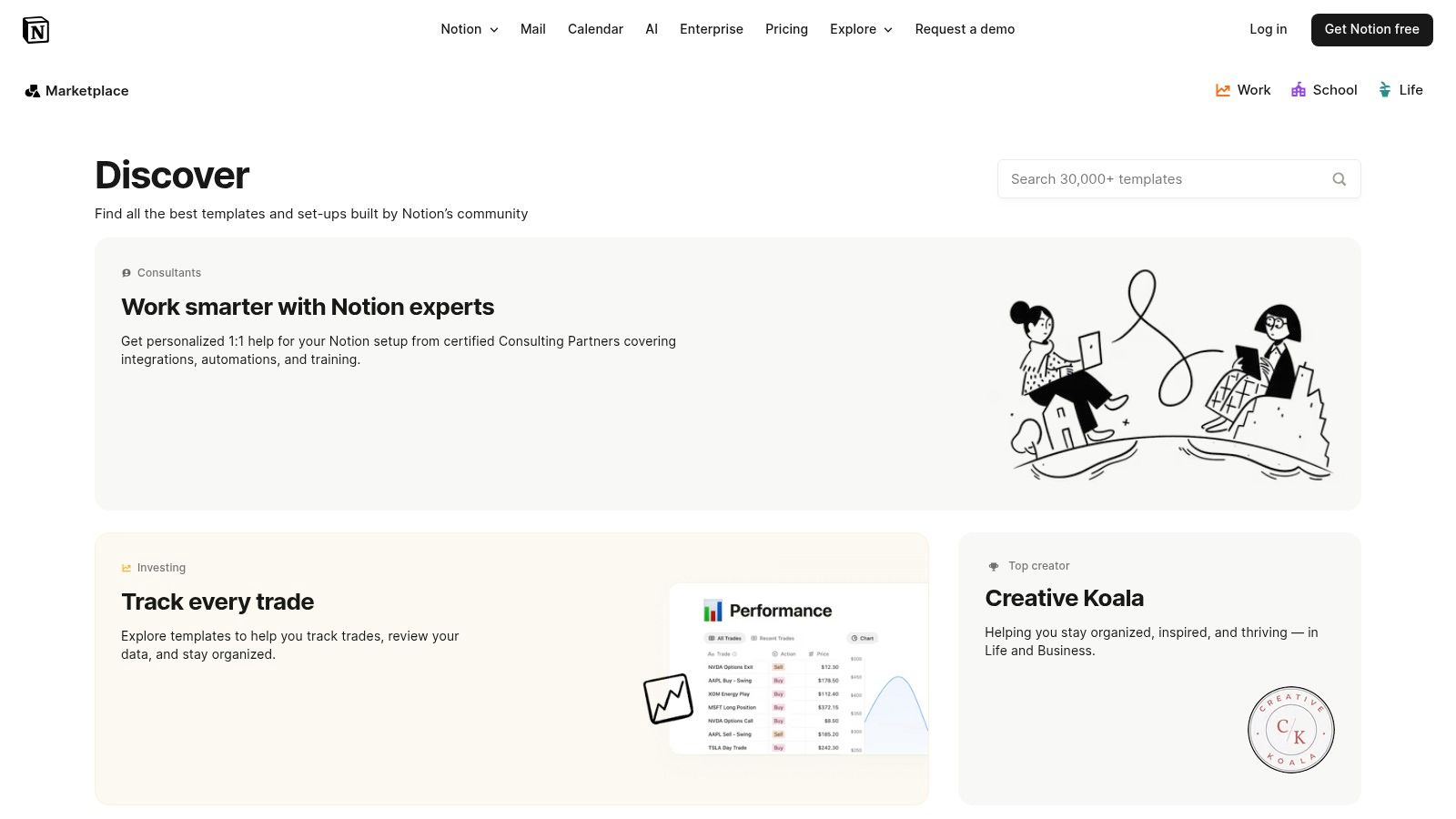
The best place to start any search is often the source itself, and the official Notion Template Gallery is no exception. As Notion's own curated marketplace, it offers the most direct and seamless experience for finding and installing thousands of templates, including a massive selection of notion dashboard templates designed for every imaginable use case.
From minimalist personal hubs to complex business operating systems, the gallery is a one-stop shop. Because it's integrated directly into the Notion ecosystem, adding a template to your workspace is as simple as clicking a single button.
What Makes It Stand Out
The primary advantage of the official gallery is its frictionless integration. There are no extra steps, downloads, or complicated instructions. You find a template you like, click “Start with this template,” and it’s instantly duplicated into your private Notion workspace, ready for customization. This user-friendly approach makes it perfect for both beginners and seasoned Notion users.
The gallery features both free and paid templates, with many high-quality free options available. While paid templates require you to complete the purchase on an external site like Gumroad, the listings are vetted by the Notion team, which adds a layer of trust and quality control you might not find elsewhere.
How to Get the Most Out of It
To maximize your experience, use the powerful filtering system. You can sort templates by category (e.g., "Dashboards," "Personal," "Work"), price, or creator. This helps you quickly narrow down the vast selection to find exactly what you need.
Before committing, use the preview function to explore the template's structure and features. This inside look ensures the dashboard fits your workflow before you add it to your space. If you're looking for inspiration for your own builds, browsing the gallery is an excellent way to see how top creators structure their pages and databases. For an even deeper dive into specific setups, check out these powerful Notion planning templates.
| Feature | Details |
|---|---|
| Selection | Thousands of templates across dozens of categories. |
| Integration | One-click duplication directly into your Notion workspace. |
| Pricing | Large selection of free templates; paid options link out. |
| User Experience | Clean, intuitive, and fully integrated with the Notion app. |
Website: notion.com/templates
3. Etsy
While best known for handmade crafts, Etsy has emerged as a surprisingly vibrant marketplace for digital goods, including a massive and diverse collection of notion dashboard templates. Indie creators and designers leverage the platform to sell everything from aesthetic life planners and student hubs to sophisticated business operating systems and finance trackers.
The platform's strength lies in its sheer variety and competitive pricing. You can find unique, visually-driven dashboards that cater to specific niches, often at a lower cost than dedicated template websites. Because it’s a marketplace, you get the benefit of social proof, with thousands of listings featuring detailed reviews, ratings, and even buyer photos.
What Makes It Stand Out
The biggest advantage of using Etsy is the robust review and rating system. Unlike some marketplaces where feedback is limited, Etsy provides a transparent look at what previous buyers think. You can read detailed reviews and see user-submitted photos, which helps you vet the quality and functionality of a template before purchasing. This social proof is invaluable for navigating the vast number of options.
Furthermore, the competitive nature of the marketplace drives creators to offer unique aesthetics and features. If you're looking for a highly stylized, minimalist, or themed dashboard, you're more likely to find it on Etsy. Delivery is typically instant via a digital download containing a link to duplicate the template into your own Notion workspace.
How to Get the Most Out of It
To find the best templates, lean heavily on Etsy’s filtering tools. You can sort by "Bestsellers" or "Etsy’s Picks" to see what’s popular and well-regarded. Always read the listing description carefully to ensure it's a genuine Notion template and not just a digital planner PDF.
Pay close attention to recent reviews and the seller’s overall rating. Look for sellers who have a high volume of positive feedback and a history of providing quality products. Don't be afraid to message a seller with questions before you buy, as their responsiveness can be a good indicator of their customer support.
| Feature | Details |
|---|---|
| Selection | Thousands of listings with a strong focus on aesthetic and niche templates. |
| Integration | Manual duplication via a link provided by the seller after purchase. |
| Pricing | Highly competitive, with many high-quality, low-cost options available. |
| User Experience | Familiar e-commerce experience with strong review and rating features. |
Website: etsy.com/market/notion_dashboard_template
4. Gumroad (Notion templates discovery)
Gumroad is the digital storefront of choice for many of the most innovative and popular Notion creators. While not a dedicated template marketplace, its powerful "Discover" feature surfaces thousands of high-quality notion dashboard templates, from simple habit trackers to comprehensive "second brain" operating systems. It has become a central hub for the creator economy, making it an essential stop for premium Notion products.
Because it’s built for digital creators, Gumroad provides a robust platform for both buying and managing your templates. Purchases are stored in your personal Gumroad library, giving you permanent access to downloads and making it easy to receive updates from the template maker.
What Makes It Stand Out
The key advantage of Gumroad is its direct connection to top-tier Notion creators. Many well-known figures in the Notion community use Gumroad exclusively to sell their most advanced and polished templates. This often includes all-in-one dashboards and complex systems that have been refined over hundreds of hours.
The platform's user-centric features, like visible star ratings and customer reviews, provide social proof and help you make informed decisions before purchasing. Additionally, creator pages often serve as a hub for support, tutorials, and information on future updates, creating a more direct and supportive relationship between you and the maker. All your purchased templates are consolidated in one place, which simplifies managing your digital assets.
How to Get the Most Out of It
To find the best dashboards, use the search bar on the "Discover" page with terms like "Notion dashboard," "Notion OS," or "Notion life planner." From there, you can filter results by price, rating, and recency to narrow down the options. Always check the product page for detailed descriptions, video walkthroughs, and customer reviews.
Before buying, visit the creator's profile page on Gumroad. This is a great way to see their full collection of templates, find bundled deals, and get a feel for their style and level of support. Keeping your purchases in your Gumroad library ensures you get notified when a creator pushes an update to a template you own.
| Feature | Details |
|---|---|
| Selection | Thousands of templates, especially premium, all-in-one systems. |
| Integration | Manual duplication process after purchase via a shared link. |
| Pricing | Primarily paid templates, ranging from a few dollars to over $100. |
| User Experience | Easy-to-use digital storefront with a centralized library for purchases. |
Website: gumroad.com/discover?query=notion+templates
5. Notionery (curated Notion marketplace)
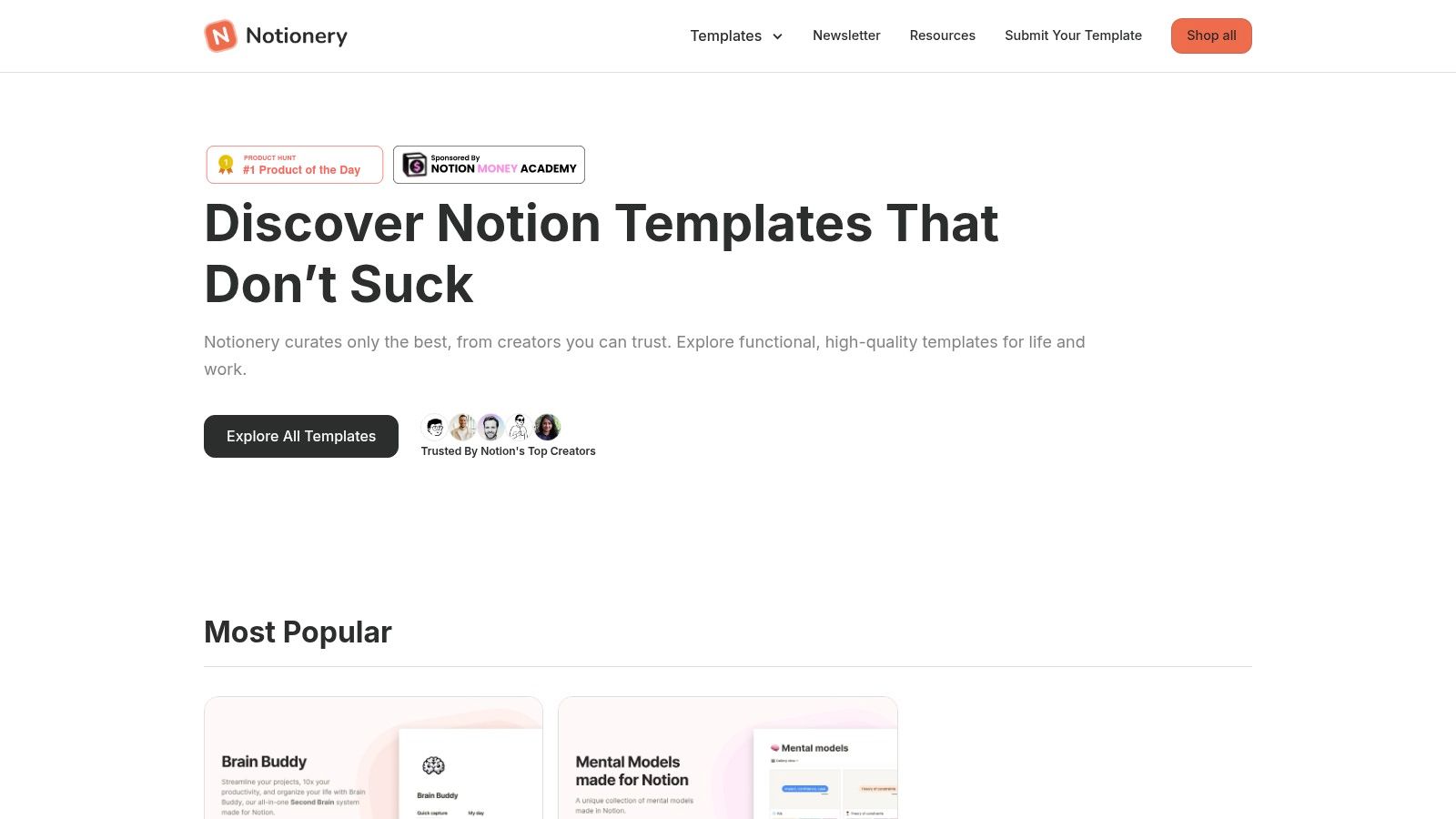
If large marketplaces feel overwhelming, Notionery offers a refreshing, boutique experience. It’s a curated platform that handpicks and tests templates, focusing on high-quality notion dashboard templates that are both functional and aesthetically pleasing. The goal is to eliminate the noise and present only the best options for serious users.
Notionery’s catalog is intentionally selective, targeting specific needs for productivity, lifestyle management, startups, and content creators. This curated approach means you spend less time sifting through mediocre templates and more time implementing a system that actually works for your goals.
What Makes It Stand Out
The core advantage of Notionery is its quality-over-quantity philosophy. Every template is vetted, ensuring that you’re getting a polished and practical tool. This saves users from the decision fatigue common on larger platforms where thousands of unvetted options compete for attention. The site’s clean layout and detailed product pages make it easy to understand exactly what you’re getting.
While the selection is smaller, it's highly specialized. You’ll find comprehensive systems like the "Creator's Companion" or "Second Brain" dashboards that are designed to be all-in-one solutions. The pricing trends toward mid-to-premium, reflecting the curated, high-value nature of the templates offered.
How to Get the Most Out of It
To find the perfect fit, use the dedicated category pages like "Productivity," "Lifestyle," or "Startups." These collections group the most relevant dashboards together, simplifying your search. Take time to explore the detailed preview pages for each template, as they often include video walkthroughs and extensive galleries.
Before purchasing, carefully read the descriptions to understand the system's architecture and ensure it aligns with your workflow. Since these are often complex systems, confirming compatibility with your needs is crucial. Highlighting specific creators can also lead you to discover a designer whose style perfectly matches your own, making future template searches even easier.
| Feature | Details |
|---|---|
| Selection | Boutique, hand-selected catalog with a focus on quality. |
| Integration | Standard Notion duplication process after purchase. |
| Pricing | Mid-to-premium pricing for vetted, high-value templates. |
| User Experience | Clean, minimalist, and focused on reducing decision friction. |
Website: https://www.notionery.com/
6. Notion Everything
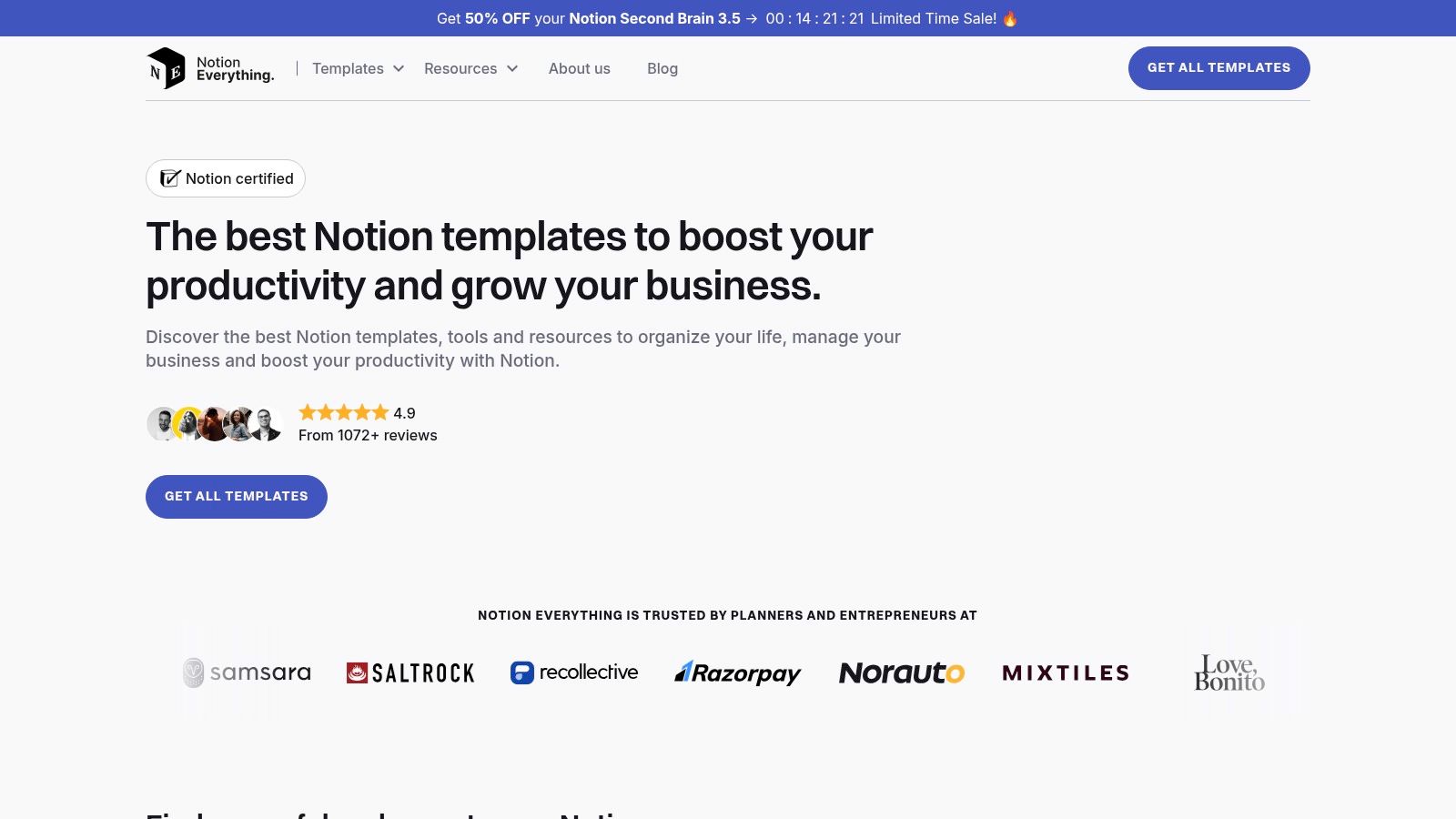
Notion Everything is a boutique marketplace offering highly polished, system-level dashboards built by Notion-certified experts. Instead of listing thousands of simple templates, it focuses on comprehensive, all-in-one solutions like the "Second Brain" and "Creator's Companion," designed to serve as a complete operating system for your life or business.
This curated approach means each template is a full-featured product, complete with detailed documentation, onboarding guides, and lifetime updates. If you're looking for a powerful, ready-to-use system rather than a basic page, Notion Everything specializes in these robust notion dashboard templates.
What Makes It Stand Out
The key differentiator for Notion Everything is its commitment to quality and support. Each template is treated as a software product, meaning it's well-documented, regularly updated, and backed by its creators. This is a significant advantage over one-off templates from random marketplaces that may become outdated or unsupported.
Their "OS" style frameworks, such as the Freelance OS and Small Business OS, are designed to manage every aspect of a specific professional need. While the price point is higher than many single-purpose templates, you are investing in a comprehensive, interconnected system that has been refined based on feedback from thousands of users.
How to Get the Most Out of It
Start by exploring their free templates to get a feel for the build quality and information architecture. When considering a premium purchase, read the detailed product pages carefully. They outline every feature, database, and workflow included, so you know exactly what you're getting.
Take advantage of the bundle deals, like the "Access All Templates" pack, if multiple systems fit your needs, as this offers significant savings. After purchasing, make sure to go through the included onboarding guides and video tutorials. These resources are designed to help you quickly understand and customize the complex dashboards to fit your specific workflow.
| Feature | Details |
|---|---|
| Selection | Curated collection of premium, OS-style systems and free templates. |
| Integration | Secure checkout via Gumroad or Lemon Squeezy; simple duplication process. |
| Pricing | Premium templates with a higher price point; free options available. |
| User Experience | Detailed product pages, extensive documentation, and lifetime updates. |
Website: https://www.notioneverything.com/
7. Gridfiti (shop + editorial roundups)
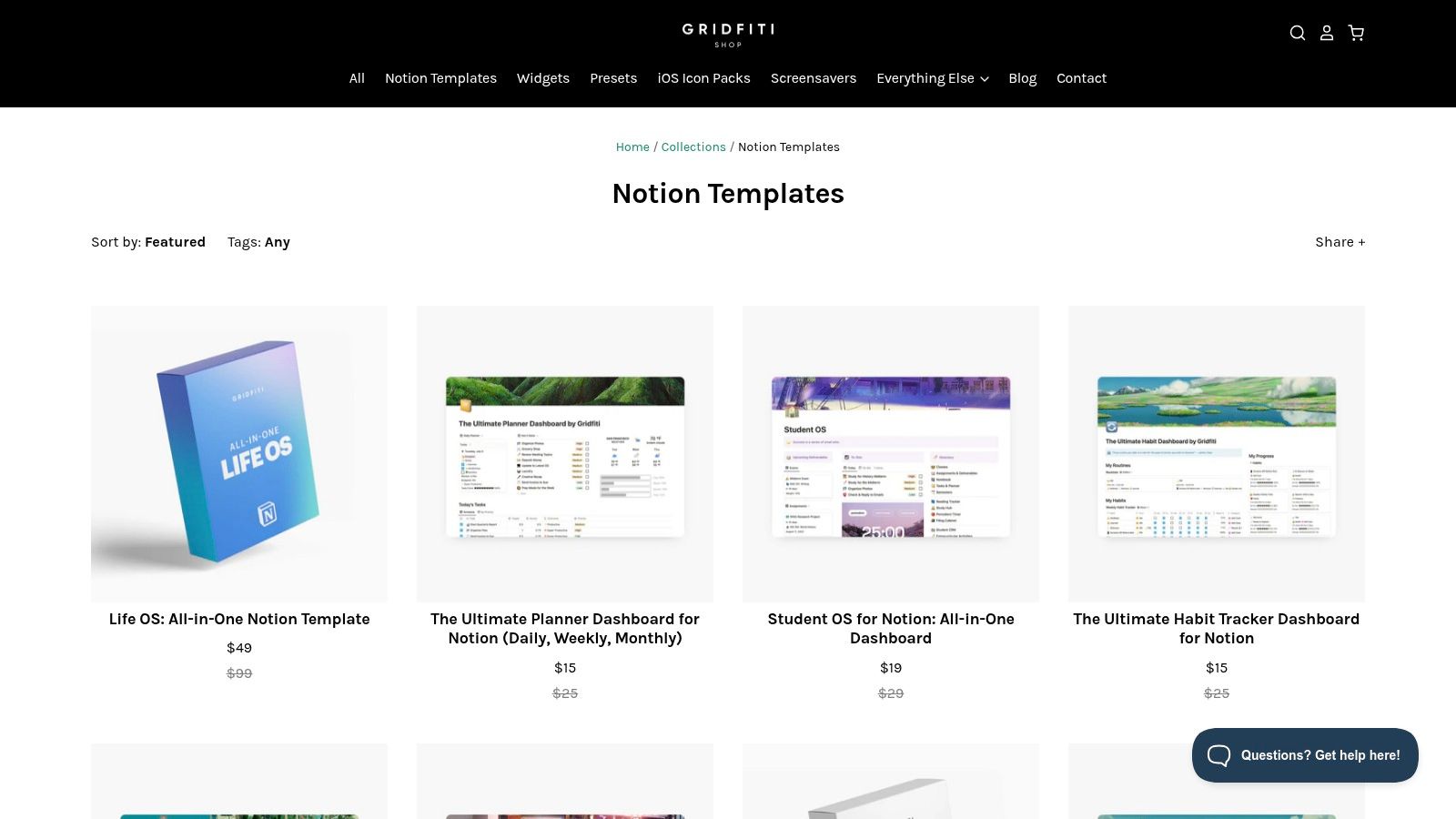
Gridfiti offers a unique blend of a dedicated template shop and helpful editorial content, making it a fantastic resource for users who value both aesthetics and function. Instead of just listing products, Gridfiti guides users through the selection process, publishing detailed roundups that compare and contrast various notion dashboard templates for specific needs like student life, content creation, or finance management.
This two-pronged approach helps users make informed decisions. You can browse their curated shop for polished, ready-to-use dashboards or read their guides to understand which type of template best fits your workflow before you commit.
What Makes It Stand Out
Gridfiti’s strength lies in its curated guidance. While larger marketplaces offer endless choices, Gridfiti focuses on quality and context. Their shop features a smaller, more focused catalog of templates designed with a clean, minimalist aesthetic. This ensures that every option is both beautiful and practical, saving you from sorting through lower-quality submissions.
The editorial guides are a significant differentiator, acting as a personal shopper for your productivity needs. They break down the best templates by category, explain key features, and offer insights that are especially valuable for new Notion users or those feeling overwhelmed by the sheer number of options available elsewhere.
How to Get the Most Out of It
Start by reading one of their editorial roundups that aligns with your goals (e.g., student, creator, finance). These guides provide excellent context and often highlight templates from their own shop alongside others, giving you a balanced perspective. When browsing the shop, use the clear demo screenshots and feature lists to get a complete preview of what you're buying.
Look out for occasional bundles or discount codes, as they can provide great value. To further enhance the aesthetic of these templates, you can easily embed custom visuals. Explore different ways to add personalized flair with these widgets for Notion.
| Feature | Details |
|---|---|
| Selection | A focused collection of aesthetic and functional dashboard templates. |
| Integration | Standard Notion duplication process after purchase. |
| Pricing | Paid templates sold directly through their shop, often with bundles available. |
| User Experience | Clean website with helpful editorial guides and clear product previews. |
Website: shop.gridfiti.com/collections/notion-templates
Top 7 Notion Dashboard Template Marketplaces Comparison
| Item | 🔄 Implementation Complexity | ⚡ Resource Requirements | ⭐ Expected Outcomes | 📊 Ideal Use Cases | 💡 Key Advantages |
|---|---|---|---|---|---|
| widgetly | Very low — no-code embeds, simple setup | Minimal technical resources; may require subscription | Polished, embeddable widgets + gated monetization & analytics | Freelancers, small teams, Notion pages needing interactive widgets | No-code monetization, brandable links, real-time analytics |
| Notion Template Gallery (official) | Very low — one‑click duplicate into workspace | Notion account required; mostly free | Fast access to vetted templates integrated with Notion | Users wanting quick, low-friction templates inside Notion | Best native integration and curated selections |
| Etsy (Notion dashboard category) | Low — digital delivery via links, manual import | Purchase budget variable; time to vet sellers | Wide stylistic variety; quality varies | Buyers seeking aesthetic, low-cost dashboards | Massive selection, strong user reviews and photos |
| Gumroad (Notion templates) | Low–Medium — download + duplicate instructions | Purchase budget; creator support channels | Professional, maintained dashboards from known creators | Users wanting pro-grade OS systems and ongoing updates | Centralized purchases, creator pages, clear refund/update policies |
| Notionery (curated marketplace) | Low — curated listings with clear previews | Mid-tier budget typical for curated picks | Higher baseline quality, fewer low-value options | Users who prefer handpicked, reliable dashboards | Quality-over-quantity curation reduces selection effort |
| Notion Everything | Low–Medium — templates with onboarding guides | Higher budget for bundles; expects purchase via Gumroad/Lemon Squeezy | Full-featured OS-style systems with docs and lifetime updates | Teams or power users wanting comprehensive systems | Strong documentation, lifetime updates, consistent product style |
| Gridfiti (shop + editorial) | Low — shop purchases + follow demo/setup | Budget variable; benefits from editorial guides | Aesthetic and functional templates with buying guidance | Buyers wanting curated guidance by use case (students, creators) | Editorial roundups, clear previews, themed collections |
Building Your Perfect Dashboard: The Next Step
You've explored the best platforms and marketplaces, from the official Notion Template Gallery to curated hubs like Notionery and bustling creative ecosystems like Etsy. We've seen how each source offers unique advantages, whether it's the dynamic flair of Widgetly or the specialized designs found on Gumroad. The key takeaway is clear: the perfect starting point for your organizational system is out there, waiting to be discovered.
However, finding one of these powerful notion dashboard templates is just the first step on your productivity journey. The true transformation begins when you move from simply downloading a template to actively making it your own. Think of a template not as a rigid structure, but as a flexible scaffold designed to support your unique goals and workflows.
From Template to Personal Command Center
The most effective Notion dashboards are not static; they are living documents that evolve with your priorities. To get started on this customization process, focus on a few key areas immediately after duplicating a new template into your workspace.
Your Action Plan:
- Declutter Immediately: The first thing you should do is remove any pages, databases, or properties that don't align with your needs. A clean workspace reduces cognitive load and makes it easier to focus on what truly matters.
- Re-brand and Personalize: Change the icons, headers, and color schemes to match your personal or brand aesthetic. This small step makes the dashboard feel more like your own, increasing your motivation to use it consistently.
- Adjust Database Properties: This is where the real power lies. A project management template might have a "Status" property with options like "To-Do," "In Progress," and "Done." You might need to add "On Hold" or "Awaiting Feedback." Tailor every database to capture the specific information you need to track.
- Connect Your Tools: Don’t forget to integrate external elements. Embed your Google Calendar, add a real-time clock from a service like Widgetly, or link to essential documents in your Google Drive. This turns your Notion dashboard into a true central hub for all your digital activities.
Choosing Your Path Forward
Your choice of where to start depends entirely on your specific requirements. Are you a freelancer needing a comprehensive client management system? A marketplace like Notionery might have the perfect professional-grade solution. Are you a student looking for an aesthetic and functional study planner? The visual-centric options on Etsy or Gridfiti could be your best bet.
Ultimately, the goal is to build a system that saves you time and mental energy, not create another complex task to manage. Start with a template that gets you 80% of the way there. Then, invest a little time to customize the remaining 20%. This thoughtful approach is the secret to building a powerful, intuitive, and deeply personal command center that will not only organize your work but truly amplify your focus and productivity.